Time-Lapse Interval: How Many Seconds Between Shots?
As an Amazon Associate we earn from qualifying purchases. Some links in this guide are affiliate links — see our affiliate disclosure for details.
Short answer: What interval should you use for a time-lapse?
It depends on how fast the subject moves: clouds want a few seconds, plants a few minutes and stars about half a minute. An ND filter and a solid tripod are the two purchases that change results most.
And the honest answer is that it depends entirely on how fast your subject moves — which sounds like a dodge until you see the numbers, at which point it becomes obvious. Clouds want a few seconds. A plant wants a few minutes. Stars want half a minute. Get it wrong in either direction and you've wasted the shoot: too long and the motion hops, too short and you stand there for an hour to produce four seconds of footage.
The other half of this — the part nobody works out beforehand and everybody regrets — is how long you'll actually be standing there.
Interval by subject
Start here, then adjust once you've watched your subject for a minute.
| Subject | Interval | Why |
|---|---|---|
| Fast, low cloud | 1–2 s | Crosses the frame in under a minute |
| High, slow cloud | 4–8 s | Barely moves to the eye |
| Sunset / sunrise | 3–5 s | The light changes faster than the clouds |
| Traffic, city streets | 1–2 s | Cars cross the frame in seconds |
| People, crowds | 1–2 s | Anything faster than this and they teleport |
| Shadows moving | 15–30 s | Hours of real time to compress |
| Stars / night sky | 20–30 s | The exposure itself is this long |
| Flowers opening | 30 s – 2 min | Hours |
| Plant growing | 5–15 min | Days |
| Construction | 10–30 min | Weeks or months |
| Food cooking, ice melting | 2–10 s | Minutes |
The rule of thumb behind the table: look at how long your subject takes to make a change you'd actually notice, and divide by the number of frames you want that change to take. If a cloud crosses the frame in 90 seconds and you want that crossing to last 2 seconds on screen — 48 frames at 24fps — then 90 ÷ 48 is just under 2 seconds per shot.
The two lines that tell you how long you'll be there
Frames you need = finished seconds × frame rate
Shoot time = frames × interval
That's it. Ten seconds of finished footage at 24fps is 240 frames. At a 4-second interval that's 960 seconds — sixteen minutes standing next to your tripod.
Here's the same sum laid out, for 24fps output:
| You want | Frames needed | At 2 s interval | At 5 s interval | At 10 s interval |
|---|---|---|---|---|
| 5 seconds | 120 | 4 min | 10 min | 20 min |
| 10 seconds | 240 | 8 min | 20 min | 40 min |
| 15 seconds | 360 | 12 min | 30 min | 60 min |
| 20 seconds | 480 | 16 min | 40 min | 80 min |
| 30 seconds | 720 | 24 min | 60 min | 2 hours |
Two things jump out of that table once you've seen it.
The first is that a time-lapse is shorter than people expect. Forty minutes of work gives you ten seconds. That's normal. Ten seconds is a perfectly good time-lapse — most of the ones you admire online are between eight and fifteen seconds per shot.
The second is that if you want a minute of finished footage, you are committing to hours, or to a much longer interval, or to several separate shoots cut together. Decide which before you go out, not at the point where your battery dies.
Why the interval has a floor
You can't just set it to one second and solve everything, because the interval has to cover three things happening in sequence:
- The exposure itself
- The camera writing the file to the card
- A margin, so the next shot isn't late
If your exposure is 2 seconds and your interval is 2 seconds, the camera will start skipping shots — and skipped shots at random points in a sequence produce exactly the stutter you were trying to avoid.
Leave at least a second of headroom beyond your exposure, more if you're shooting RAW to a slow card. This is also why night time-lapse ends up at 20–30 second intervals whether you like it or not: the exposure is already 15–25 seconds, so there's nowhere else to go.
The shutter speed that goes with your interval
Choosing the interval is half the job. The other half is the shutter speed, and it's the half that determines whether your result glides or hops.
Short version: aim for a shutter around half your interval. A 4-second interval wants a 2-second exposure. In daylight that needs a strong neutral density filter, because you can't get a 2-second exposure at midday any other way.
Frame rate: 24, 25 or 30?
It changes how many frames you need, so decide before you calculate:
- 24fps — the cinematic default, and the fewest frames for a given length.
- 25fps — if you're in a PAL region and cutting with broadcast footage.
- 30fps — slightly smoother, and 25% more frames for the same duration.
Higher isn't better here. 60fps would mean shooting 600 frames for ten seconds, and in a time-lapse the extra smoothness is invisible because the motion is synthetic anyway. Stick to 24 or 30.
Battery and card, honestly
Two things end more time-lapse shoots than any creative decision.
Battery. Four hundred frames with the screen waking each time will take a serious bite out of a single charge, and cold makes it worse. This is the one place where DSLRs have an advantage — the mirror-and-optical-viewfinder design draws far less than a mirrorless body running its sensor and EVF continuously.
Card space. RAW files on a 30MP sensor run 25–35MB each. Six hundred frames is roughly 18GB. If you plan to shoot several sequences in a day, that's a 64GB card minimum, and you should check before you leave rather than discovering it at frame 300.
A worked example
- Frames: 12 × 24 = 288
- Interval: clouds crossing in about 90 seconds, so 3 seconds
- Shoot time: 288 × 3 = 864 seconds ≈ 15 minutes
- Shutter: half the interval = 1.5 seconds
- To get 1.5s at midday: ISO 100, around f/9, and a 6-stop ND filter
- Card: 288 RAW frames ≈ 9GB
That's the whole point of doing the sum first.
Frequently asked questions
What is a good interval for a time-lapse? Two to four seconds covers most daytime subjects. Go to 1–2 seconds for traffic and fast cloud, 20–30 seconds for stars, and minutes for plants and construction.
How many photos do I need for a 10-second time-lapse? 240 at 24fps, or 300 at 30fps.
How long does it take to shoot a 10-second time-lapse? Frames × interval. At a 4-second interval, 240 frames is 16 minutes.
Can the interval be shorter than the shutter speed? No. The interval has to cover the exposure plus the time to write the file, with a margin. Otherwise the camera skips frames.
Does a shorter interval always look smoother? No — and this is the trap. Smoothness comes mostly from shutter speed, not interval. A one-second interval with a fast shutter still stutters.
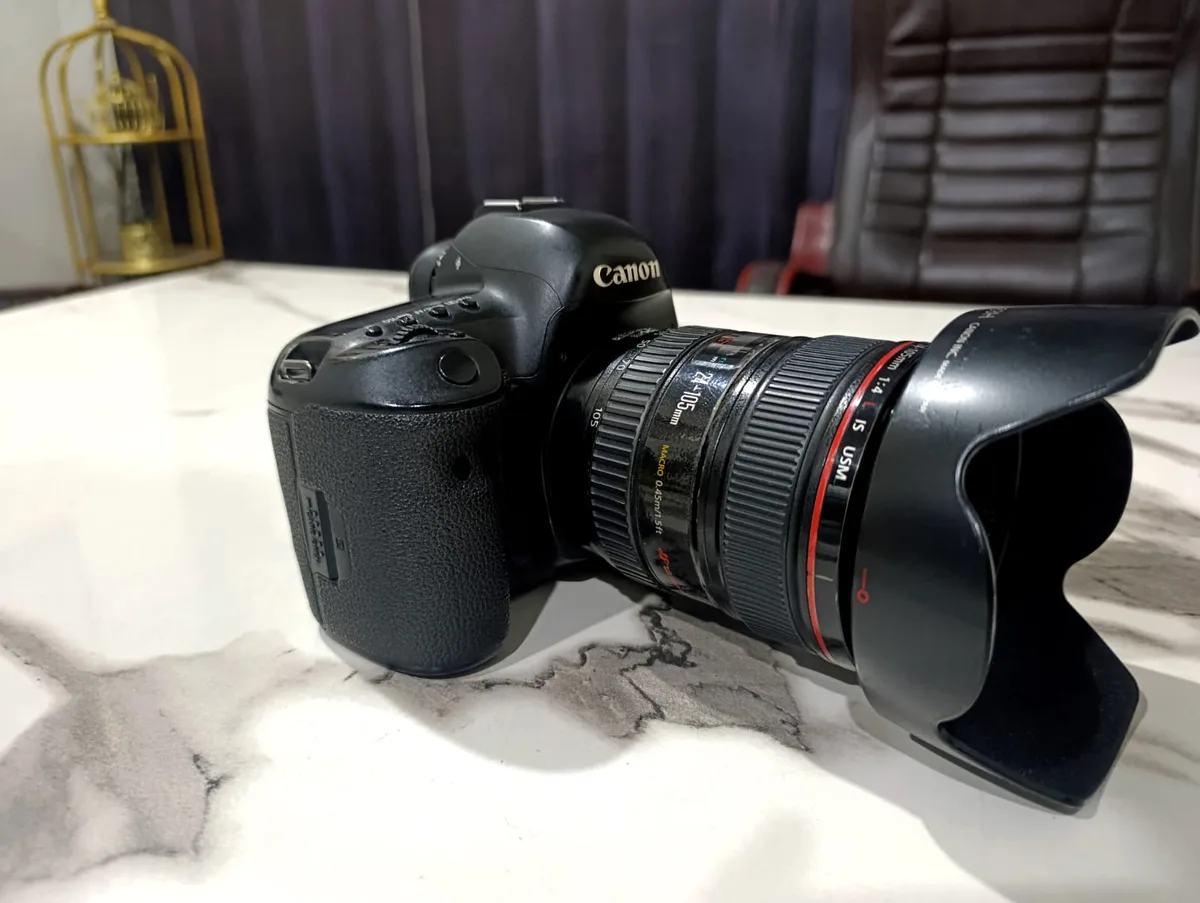
Do I need an external intervalometer? Probably not. Most cameras made since around 2016 have an interval timer in the menu, including the Canon 5D Mark IV.
Gear notes
The two purchases that actually change your results are an ND filter — which lets you use the long shutter the interval calls for — and a tripod solid enough that it doesn't shift over an hour. Neither has to be expensive; both have to be present.
For long, patient subjects where interval runs into minutes, the plant time-lapse guide covers powering a camera for days. And if you already have footage and don't want to do any of this, speeding up a video skips the whole problem.

Written by
Marien CartelProfessional and Certified Digital Photographer born in the USA, with 22 years of experience in the field of photography.
Related Guides
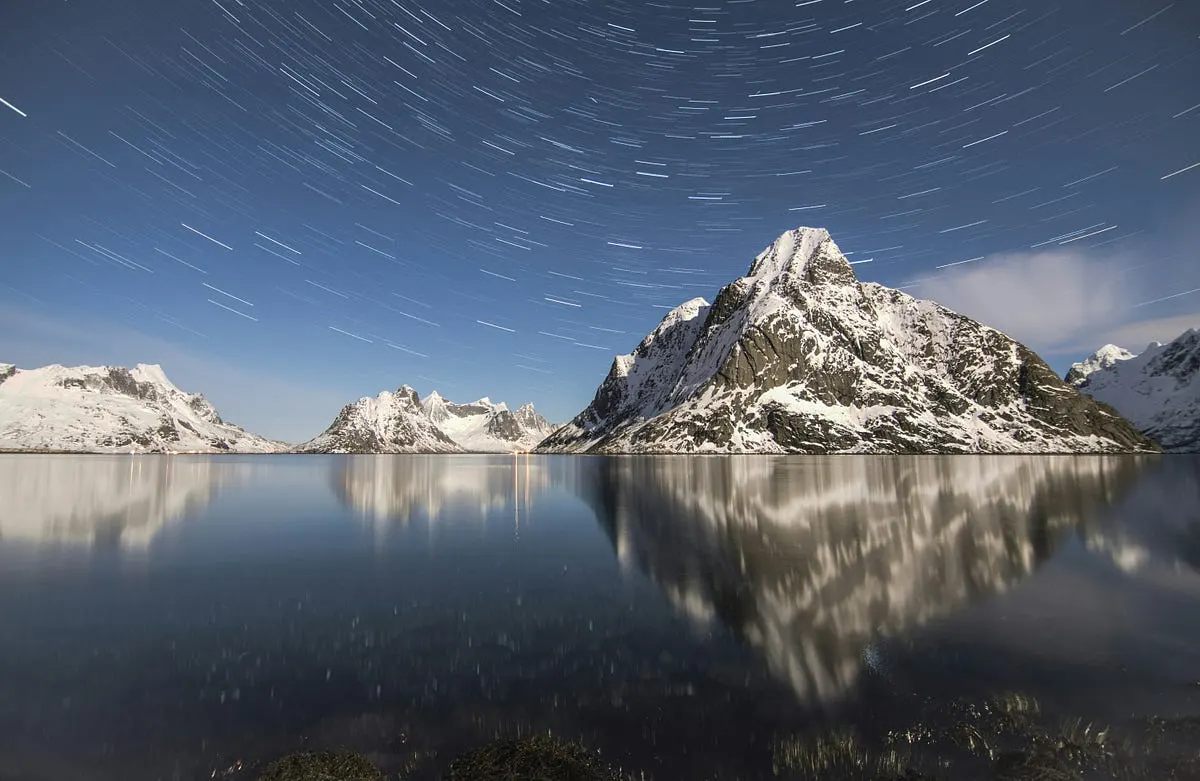
How to Turn a Video Into a Time-Lapse
Already have the footage? Here's how to speed video into a time-lapse in Premiere, Resolve, Final Cut, on your phone, or free with ffmpeg — and the smoothness setting everyone misses.
How to Make a Time-Lapse Video: The Complete Guide (2026)
Time-lapse photography compresses hours, days, or even months into a few captivating seconds.
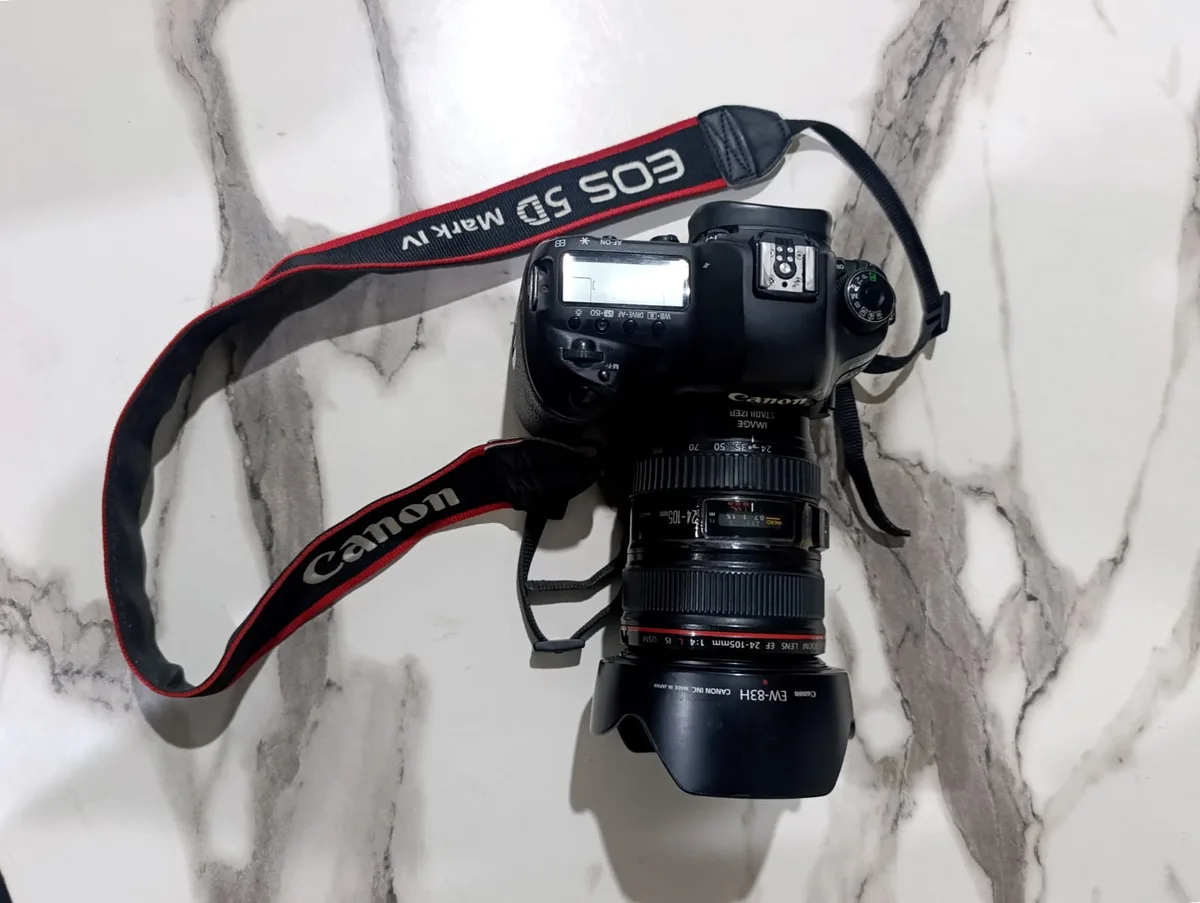
Why Your Time-Lapse Looks Jerky (and How to Fix It)
Jerky time-lapse is almost never the interval — it's your shutter speed. Why frozen frames stutter, the shutter-to-interval rule, and the ND filter that fixes it.
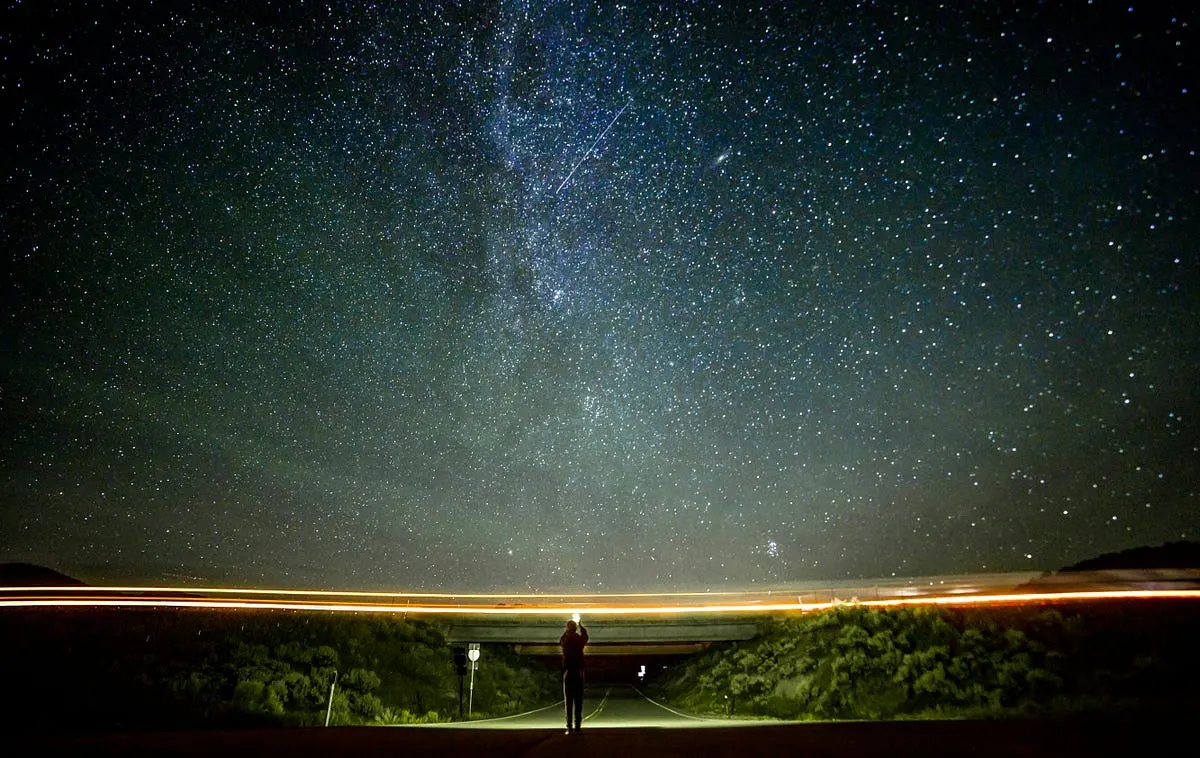
Best Camera for Night Sky Time Lapse
Choosing the best camera for night sky time-lapse photography can be a daunting task, especially for beginners eager to capture the beauty of celestial
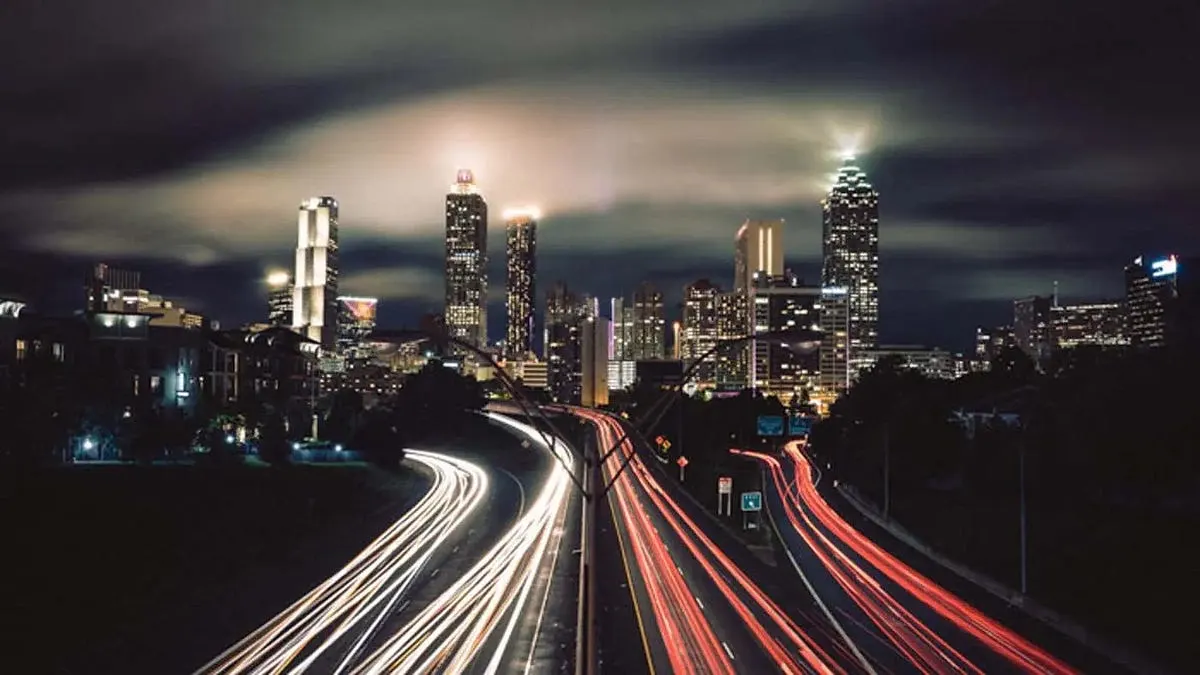
6 Best Video Camera for Time lapse: (Guide & Reviews)
Best Video Camera for Time lapse — Nikon D850, Fujifilm X-T4 and Olympus OM-D E-M10 Mark IV compared, with pros, cons and who should buy which.

3 Best Time Lapse Camera for Plants
Best Time Lapse Camera for Plants — how Brinno TLC2020, GoPro Hero 12 and Canon EOS Rebel T7 compare on features and price, and who each is best for.