Time-lapse
7 guides
Almost every jerky time-lapse has the same cause, and it isn't the interval — it's a shutter speed too fast to leave any motion blur between frames. Aim for a shutter around half your interval, which in daylight means an ND filter.
The other half is arithmetic: ten seconds of finished footage at 24fps needs 240 frames, which at a four-second interval means sixteen minutes standing next to the tripod. Work that out before you go out.
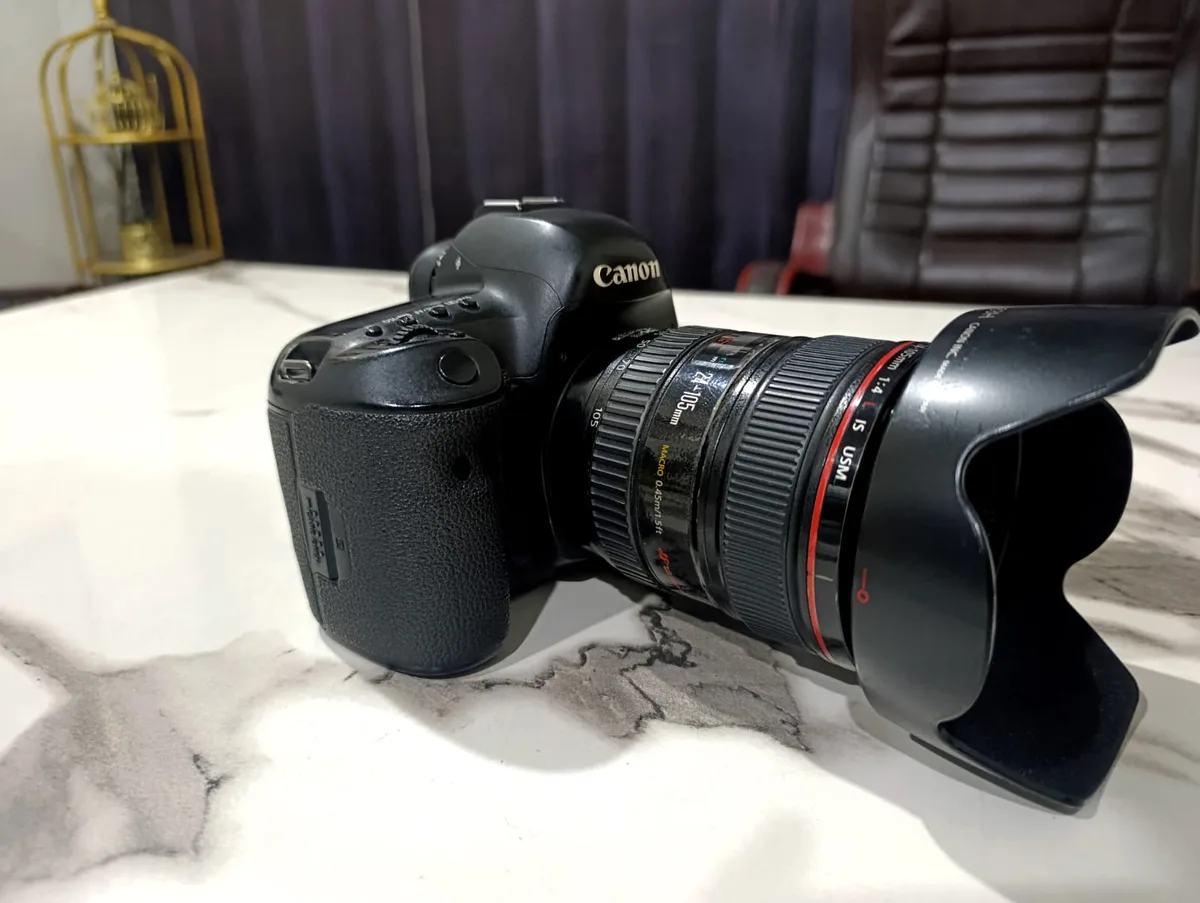
Time-Lapse Interval: How Many Seconds Between Shots?
Interval settings for clouds, sunsets, stars, traffic and plants — plus the two-line calculation that tells you how long you'll be standing there before you start.
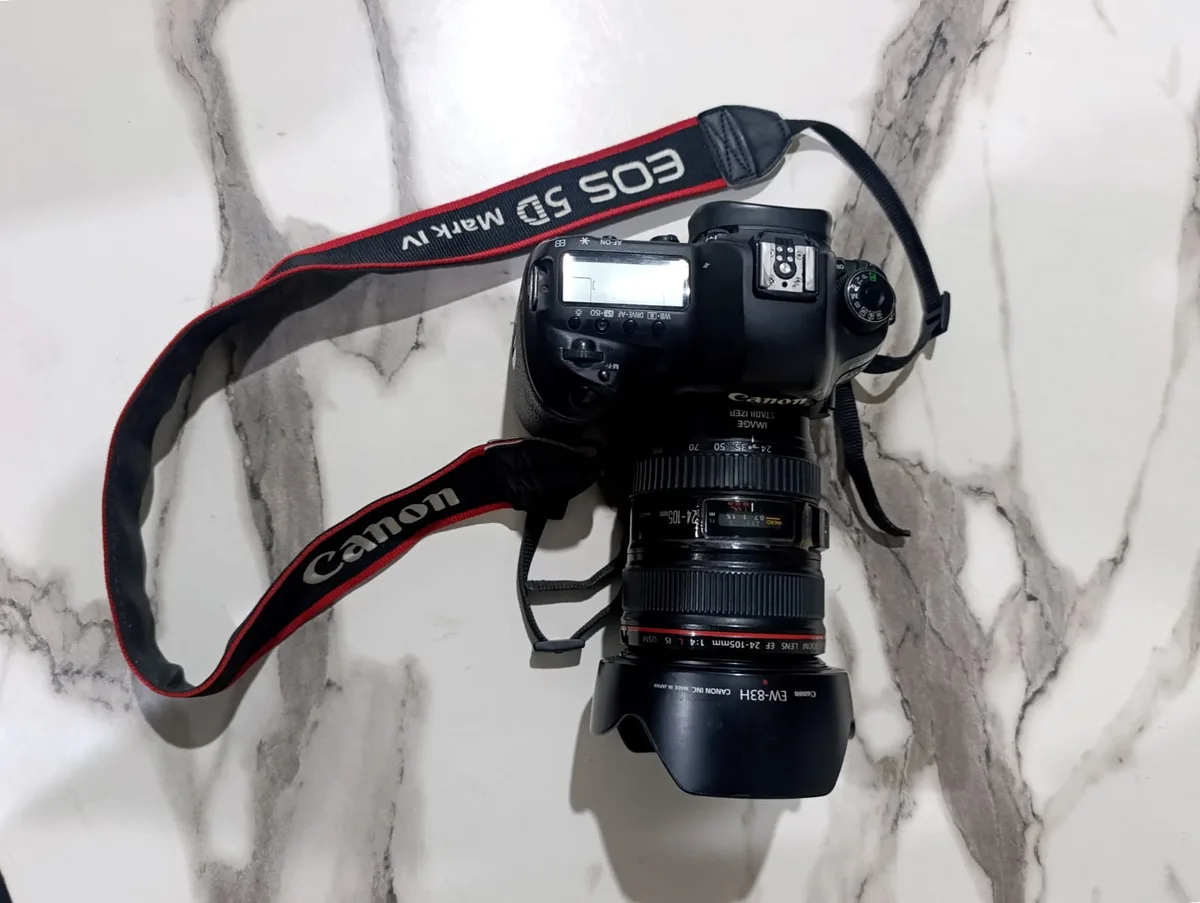
Why Your Time-Lapse Looks Jerky (and How to Fix It)
Jerky time-lapse is almost never the interval — it's your shutter speed. Why frozen frames stutter, the shutter-to-interval rule, and the ND filter that fixes it.
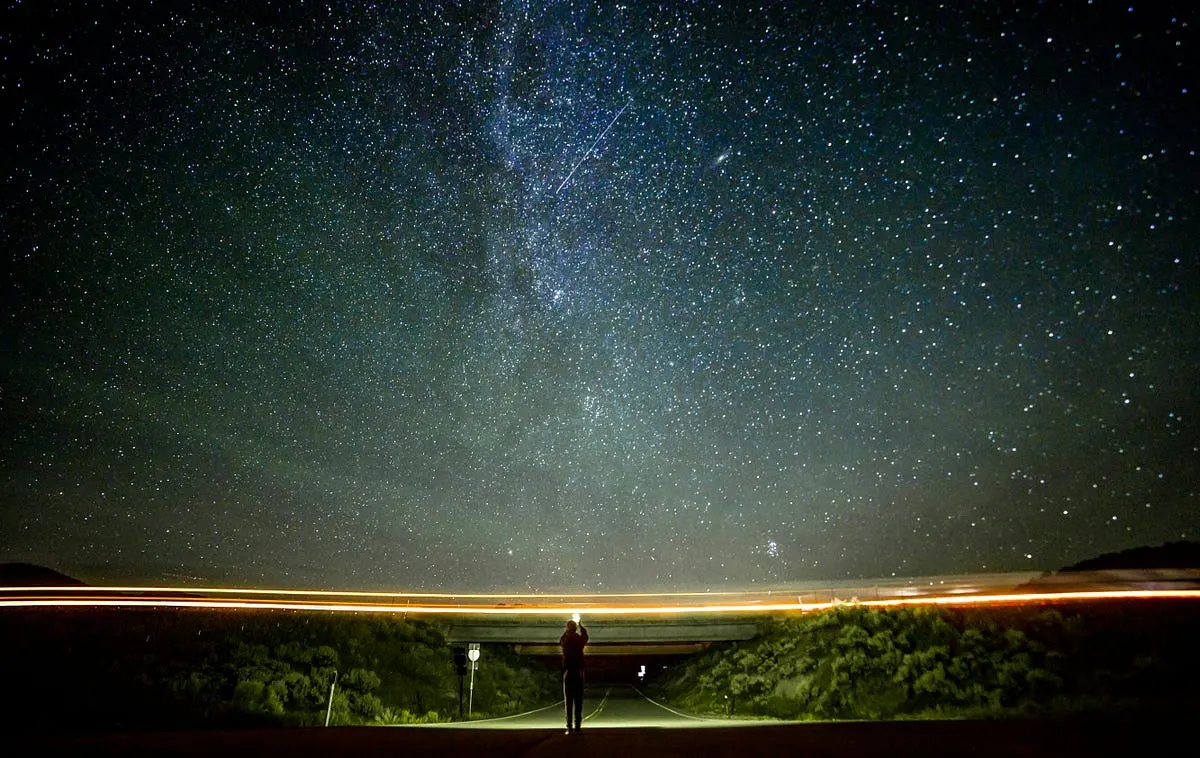
Best Camera for Night Sky Time Lapse
Choosing the best camera for night sky time-lapse photography can be a daunting task, especially for beginners eager to capture the beauty of celestial

3 Best Time Lapse Camera for Plants
Best Time Lapse Camera for Plants — how Brinno TLC2020, GoPro Hero 12 and Canon EOS Rebel T7 compare on features and price, and who each is best for.
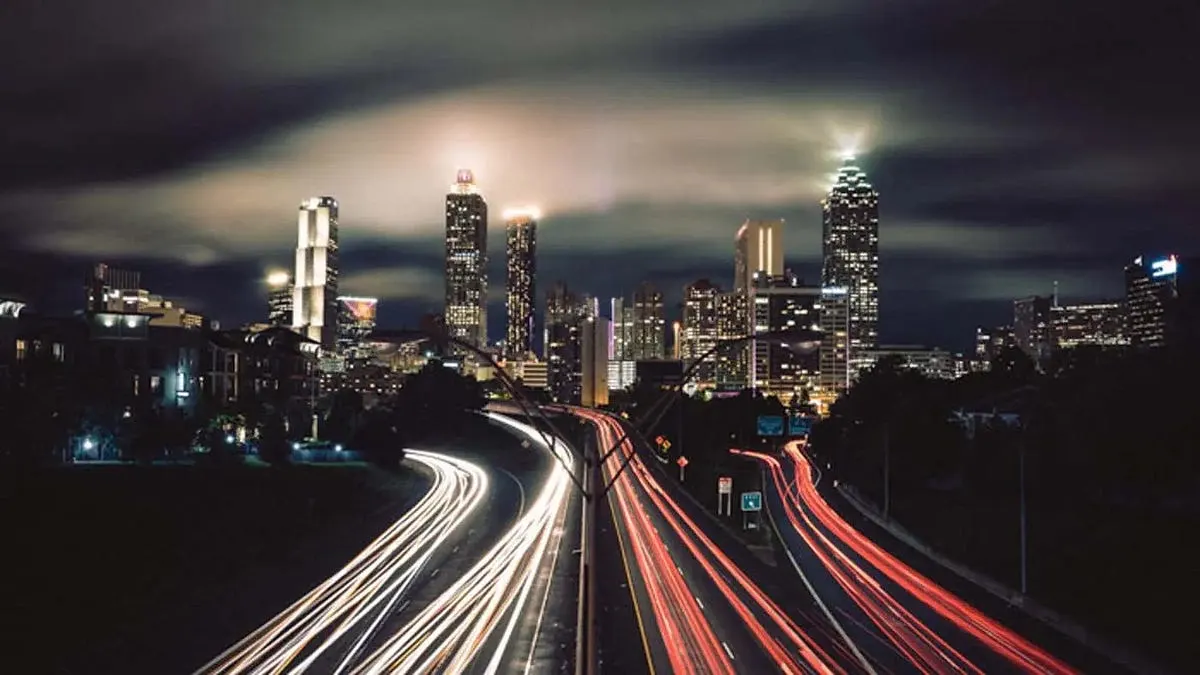
6 Best Video Camera for Time lapse: (Guide & Reviews)
Best Video Camera for Time lapse — Nikon D850, Fujifilm X-T4 and Olympus OM-D E-M10 Mark IV compared, with pros, cons and who should buy which.
How to Make a Time-Lapse Video: The Complete Guide (2026)
Time-lapse photography compresses hours, days, or even months into a few captivating seconds.

How to Turn a Video Into a Time-Lapse
Already have the footage? Here's how to speed video into a time-lapse in Premiere, Resolve, Final Cut, on your phone, or free with ffmpeg — and the smoothness setting everyone misses.