Aperture, Shutter Speed and ISO: The Exposure Triangle, Properly Explained
As an Amazon Associate we earn from qualifying purchases. Some links in this guide are affiliate links — see our affiliate disclosure for details.
Short answer: How does the exposure triangle work?
Aperture, shutter speed and ISO each make a picture brighter or darker, but the guide says each also has a side effect that matters more: aperture changes depth of field, shutter speed changes motion blur and ISO changes noise.
Almost every explanation of the exposure triangle presents aperture, shutter speed and ISO as three equal levers that all do the same job: make the picture brighter or darker. That's true, and it's also the reason so many people understand the triangle and still can't decide what to set.
Here's the better mental model. Each of the three has a side effect, and the side effect is almost always more important than the brightness.
| Control | Changes brightness by | Side effect — the part that matters |
|---|---|---|
| Aperture | how wide the lens opens | how much is in focus |
| Shutter speed | how long light is collected | whether movement is frozen or blurred |
| ISO | how much the signal is amplified | how much noise is in the image |
So you don't choose settings to get the right brightness. You choose the side effect you want, set that control, and let one of the others absorb the difference. Everything below is how to do that deliberately.
Stops: the unit that makes them interchangeable
Before the three controls make sense together, you need one idea: the stop. One stop is a doubling or a halving of light.
Each of these sequences moves in one-stop steps:
| One stop at a time | |
|---|---|
| Aperture | f/1.4 · f/2 · f/2.8 · f/4 · f/5.6 · f/8 · f/11 · f/16 |
| Shutter | 1/15 · 1/30 · 1/60 · 1/125 · 1/250 · 1/500 · 1/1000 |
| ISO | 100 · 200 · 400 · 800 · 1600 · 3200 · 6400 |
That shared unit is the whole trick. Close the aperture one stop and the picture gets darker by exactly as much as halving the shutter speed would — so you can give back that stop by slowing the shutter one step, or by doubling the ISO. One up, one down, and the brightness is unchanged.
If you want to see the trade play out in numbers, the exposure calculator on this site does the arithmetic for you.
Aperture: how much is in focus
The f-number is how wide the lens opens. A smaller number is a wider opening and more light.
That feels backwards until you know where it comes from: the f-number is the focal length divided by the diameter of the opening, so a bigger hole gives a smaller fraction.
The side effect is depth of field — how much of the scene is acceptably sharp:
| Aperture | Light | In focus |
|---|---|---|
| f/1.4 – f/2 | Most | A very shallow slice. Eyelashes sharp, ears already soft |
| f/2.8 – f/4 | Plenty | One person, cleanly separated from the background |
| f/5.6 – f/8 | Moderate | A group, or a scene with foreground and distance |
| f/11 – f/16 | Little | Nearly everything, front to back |
Two practical notes. Don't go past f/16 chasing depth of field — diffraction softens the entire frame, and f/22 is never sharper than f/8. And at f/1.4 up close, your depth of field can be a few millimetres, which is a common cause of photos that look out of focus when the camera focused correctly.
Shutter speed: whether movement is frozen
Shutter speed is how long the sensor collects light. Its side effect is motion — both the subject's and your own.
| Shutter speed | Freezes |
|---|---|
| 1/1000s and faster | Birds in flight, motorsport, splashing water |
| 1/500s | Running children, pets, field sport |
| 1/250s | Someone walking |
| 1/125s | A seated portrait |
| 1/60s | Static subjects only |
| 1/15s and slower | Nothing — tripod territory, deliberate blur |
And there are two separate limits, which is where people get caught. The subject needs a fast enough shutter not to blur; you need one fast enough that your own hand shake doesn't show. The rule for the second is 1 over your focal length, multiplied by your crop factor — a 200mm lens on an APS-C body wants about 1/300s.
Stabilisation helps with your shake and does nothing at all about a moving subject.
ISO: how much noise you accept
ISO amplifies the signal coming off the sensor. Higher ISO gives a brighter image and more noise — grain, and a loss of colour depth in shadows.
The old advice was "always keep ISO as low as possible." That advice is now actively harmful, because it gets applied at the cost of everything else.
A sharp photo at ISO 6400 beats a blurred photo at ISO 400, every single time. Noise can be reduced afterwards; motion blur cannot be undone. And a current sensor at ISO 6400 is cleaner than a sensor from 2010 was at ISO 800 — the goalposts moved and the advice didn't.
Practical ceilings on a recent camera: full frame is genuinely usable to about ISO 12,800, APS-C to about 6400, and a 1-inch compact to about 1600. Those aren't limits, they're where you start making a trade.
The method: pick the side effect first
This is the part worth taking away.
1. Decide which side effect matters for this shot.
- Blurred background for a portrait → aperture is the priority
- Moving subject → shutter speed is the priority
- Neither in particular → aperture, and keep it around f/5.6–f/8
2. Put the camera in the mode that lets you set it.
| Mode | You set | Camera sets | Use it for |
|---|---|---|---|
| A / Av (aperture priority) | Aperture | Shutter | Portraits, landscape, most things |
| S / Tv (shutter priority) | Shutter | Aperture | Sport, children, anything moving |
| M (manual) | Both | Nothing | Studio, flash, unchanging light |
| P (program) | Neither | Both | Snapshots when you have no time |
| Auto | Nothing | Everything | The first week, and then stop |
Most photographers, most of the time, are in A/Av. It isn't a beginner mode — it's the sensible default.
3. Let ISO absorb the difference — with a ceiling.
This is the setting that changes things, and most beginners have never touched it. Auto ISO with a maximum.
Set it up once:
- Auto ISO: on
- Maximum ISO: 6400 (full frame: 12,800)
- Minimum shutter speed: 1/250s — or "Auto" biased fast, if your camera offers it
Now in aperture priority you set the look you want, the camera guarantees a shutter speed fast enough to be sharp, and ISO moves to make up the difference within a limit you chose. You can no longer accidentally get a blurred photo because the camera decided 1/30s was acceptable.
"Correct exposure" isn't a thing
The camera's meter aims for an average mid-grey, which is wrong whenever the scene isn't average. Snow comes out grey. A spotlit performer on a dark stage comes out blown.
The fix is exposure compensation — the +/− button. Dial in +1 for snow and bright beaches, −1 for a dark subject you want to stay dark. It works in P, A/Av and S/Tv, and in manual with Auto ISO.
If you shoot RAW, bias slightly under rather than over. Shadows can be lifted; a blown highlight has no information in it to recover.
A worked example
Photographing a child running in a garden, late afternoon.
- Side effect that matters: motion. They're moving, so shutter comes first.
- Mode: S/Tv. Shutter: 1/500s.
- Auto ISO on, max 6400.
- Camera picks the widest aperture it needs — probably f/4 on a kit zoom — and sets ISO to suit, maybe 800.
Now the same garden, photographing a flower.
- Side effect that matters: depth of field. Nothing is moving.
- Mode: A/Av. Aperture: f/8 so the whole flower is sharp.
- ISO 100, because there's no rush — and a tripod if the shutter drops below 1/60s.
Same three controls, opposite decisions, both driven by the side effect rather than the brightness.
Frequently asked questions
What is the exposure triangle? Aperture, shutter speed and ISO — the three controls that determine how bright an image is. Each also has a side effect: depth of field, motion blur and noise respectively.
What is a stop in photography? A doubling or halving of light. Because aperture, shutter and ISO all move in stops, one stop gained on any of them can be given back by one stop on another.
Should I shoot in manual mode? Usually not. Aperture priority with Auto ISO and a maximum gives you control of what matters and lets the camera handle the rest. Manual earns its place when the light doesn't change — studio work, flash.
Is a lower ISO always better? No. A sharp photo at high ISO beats a blurred one at low ISO. Set a ceiling you're happy with and stop worrying below it.
What aperture should I use for portraits? f/1.8 to f/2.8 for one person with a soft background; f/5.6 or narrower for a group, so everyone's face is sharp.
Why are my photos too dark in aperture priority? The meter is averaging a scene that isn't average — often a bright background. Use exposure compensation to push it up, or meter off your subject.
What does Auto ISO actually do? It lets the camera choose ISO to complete the exposure once you've set the other two. With a maximum ISO and a minimum shutter speed configured, it's the most useful automation on a modern camera.
Where to go next
If the f-numbers and letters on your lens are still opaque, camera lenses explained decodes all of them, and prime vs zoom covers which lens to buy once you know what you shoot.
And if you're still choosing a camera to learn on, the best camera for learning photography and mirrorless vs DSLR for beginners are the two decisions to make in that order.
Written by
Marien CartelProfessional and Certified Digital Photographer born in the USA, with 22 years of experience in the field of photography.
Related Guides
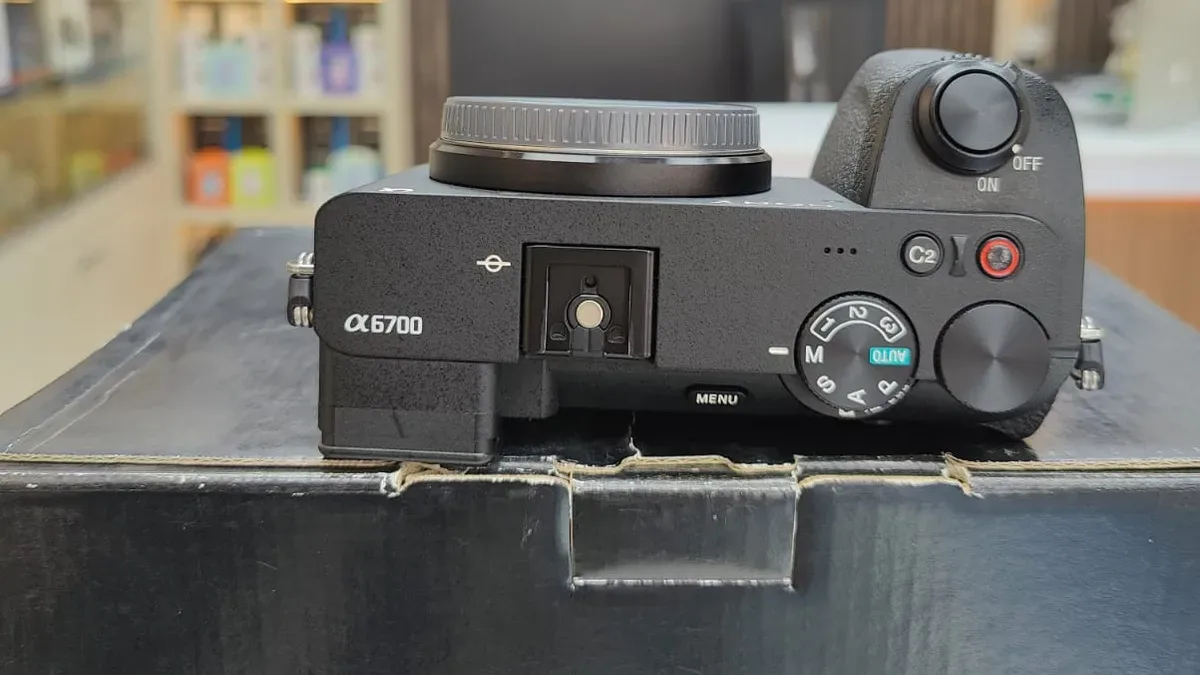
Which Camera Shooting Mode Should You Use? Auto, P, A, S and M Explained
Auto, Program, Aperture Priority, Shutter Priority and Manual: what each mode controls, what you still set yourself, and how to choose one for a shot.
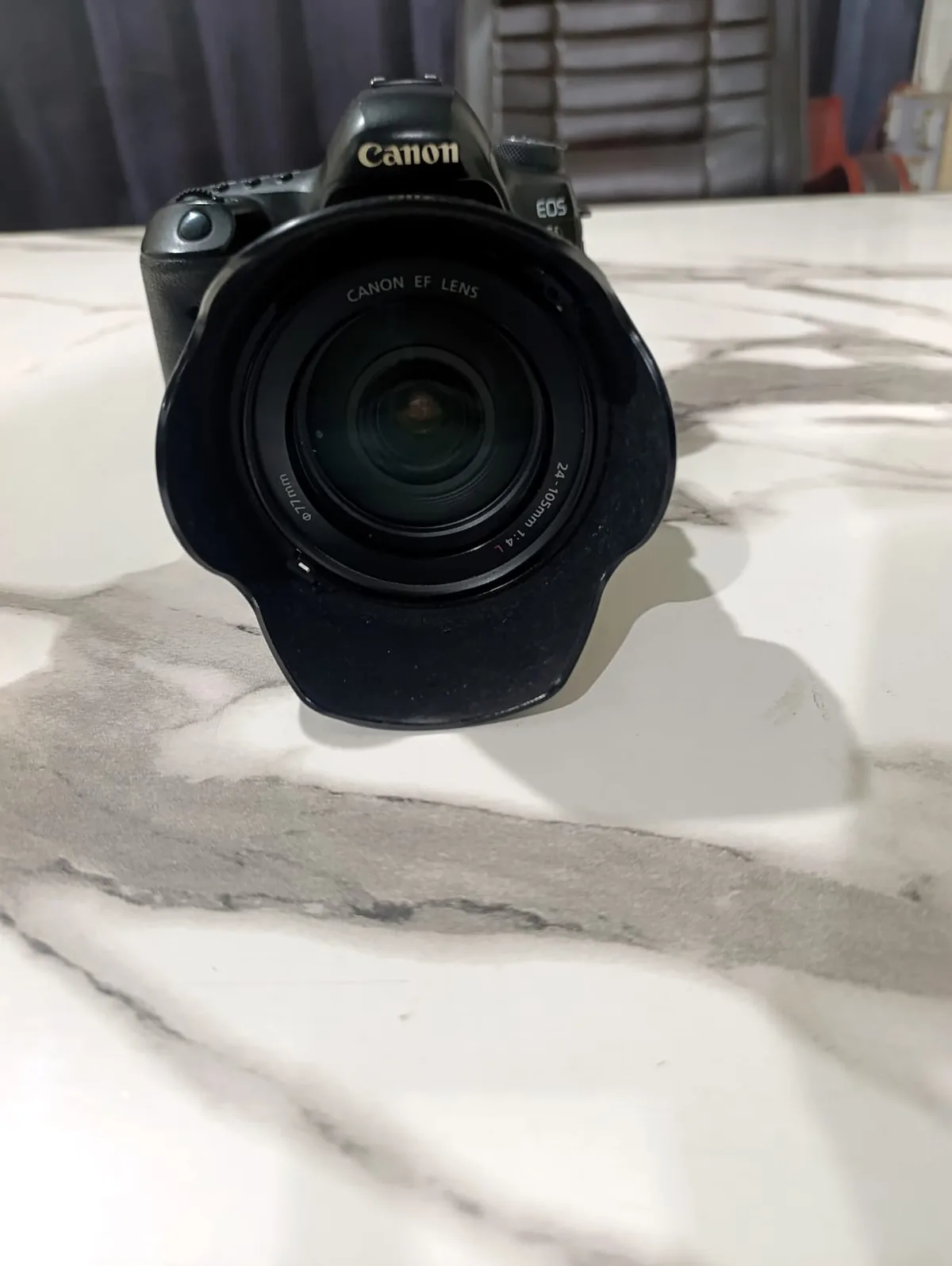
Camera Lenses Explained: What All the Numbers and Letters Mean
EF 24-105mm f/4L IS USM — decoded piece by piece. What focal length and f-numbers actually do, what every brand's letters mean, and what to check before you buy.
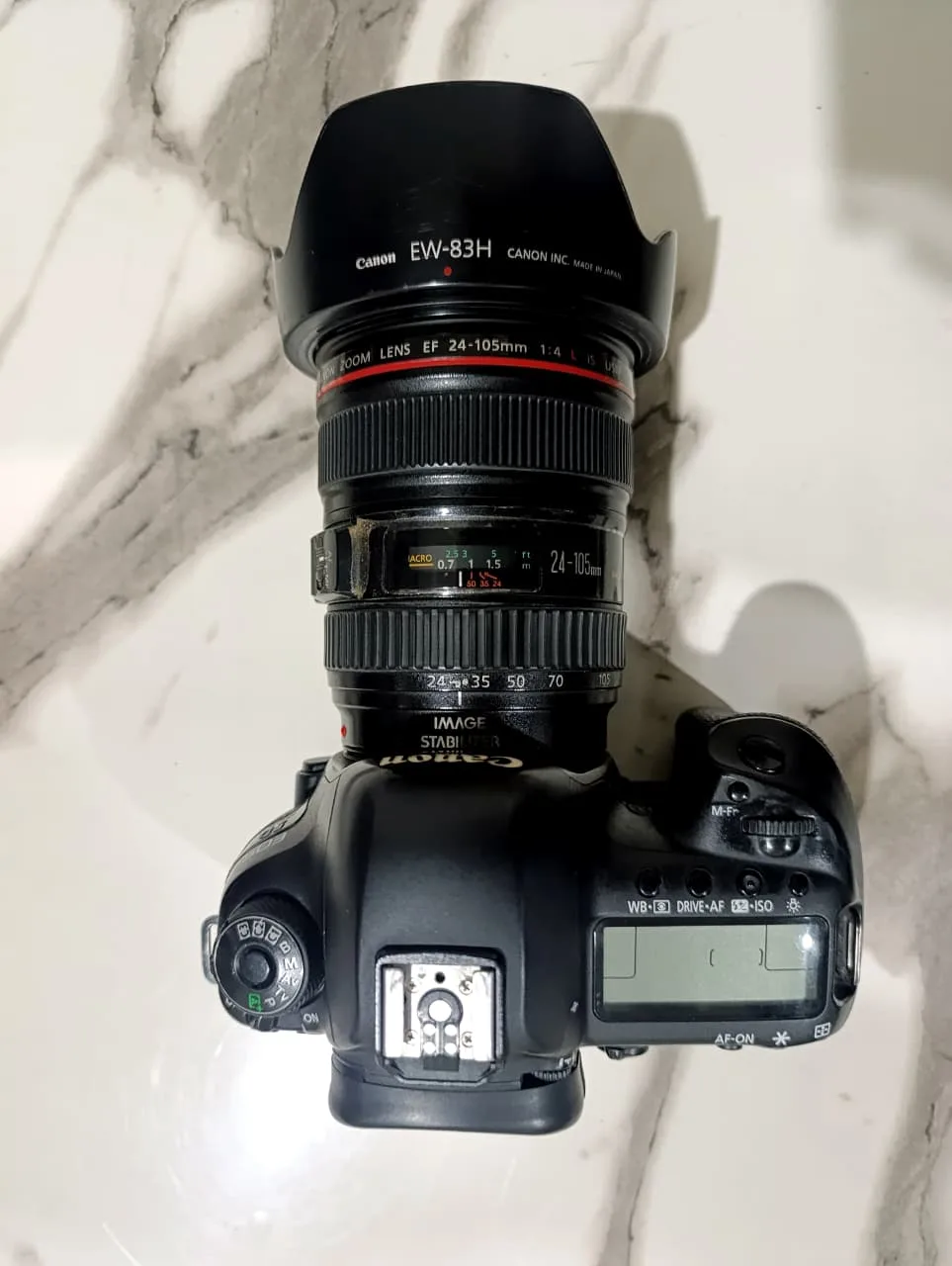
Do You Need a Telephoto Lens? Telephoto Lenses Explained
What counts as telephoto, why it isn't the same thing as a zoom, the three costs nobody mentions, and the lens design that halves the weight.
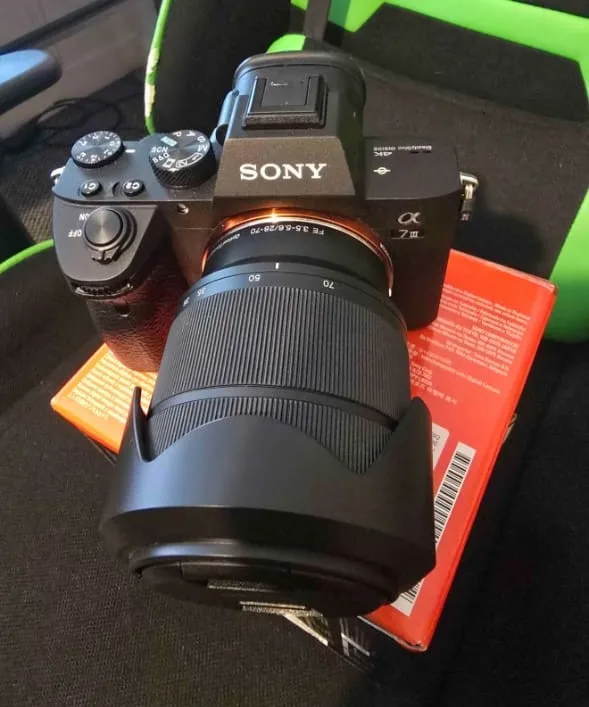
How to Choose a Lens for Wildlife and Bird Photography
Choosing a lens for wildlife and bird photography comes down to focal length, maximum aperture, stabilization and weight. Here's how each one trades off.
How to Choose a Lens for Astrophotography and Night Sky Photos
Choosing an astrophotography lens means balancing focal length, a fast aperture and corner sharpness. Here's how to weigh each one for night sky shots.
What Is a Lens Mount? Canon RF vs EF, Sony E, Nikon Z and Fujifilm X
A lens mount is the bayonet that locks lens to camera — and it decides which lenses you can buy. RF, EF, E, Z and X explained, plus adapter compatibility.