Which Camera Shooting Mode Should You Use? Auto, P, A, S and M Explained
As an Amazon Associate we earn from qualifying purchases. Some links in this guide are affiliate links — see our affiliate disclosure for details.
Short answer: Which camera shooting mode should you use?
Use aperture priority when the look of the background matters most, shutter priority when the speed of motion matters most, program when you want the camera to handle basic exposure, and manual when you want to set everything yourself.
Use aperture priority (A or Av) when the look of the background matters most, shutter priority (S or Tv) when the speed of motion matters most, program (P) when you want the camera to handle the basic exposure while you still control ISO, and manual (M) when you want to fix every setting yourself. Full Auto makes almost all of the decisions for you. None of these is the "professional" setting. Each one answers a different question about the picture.
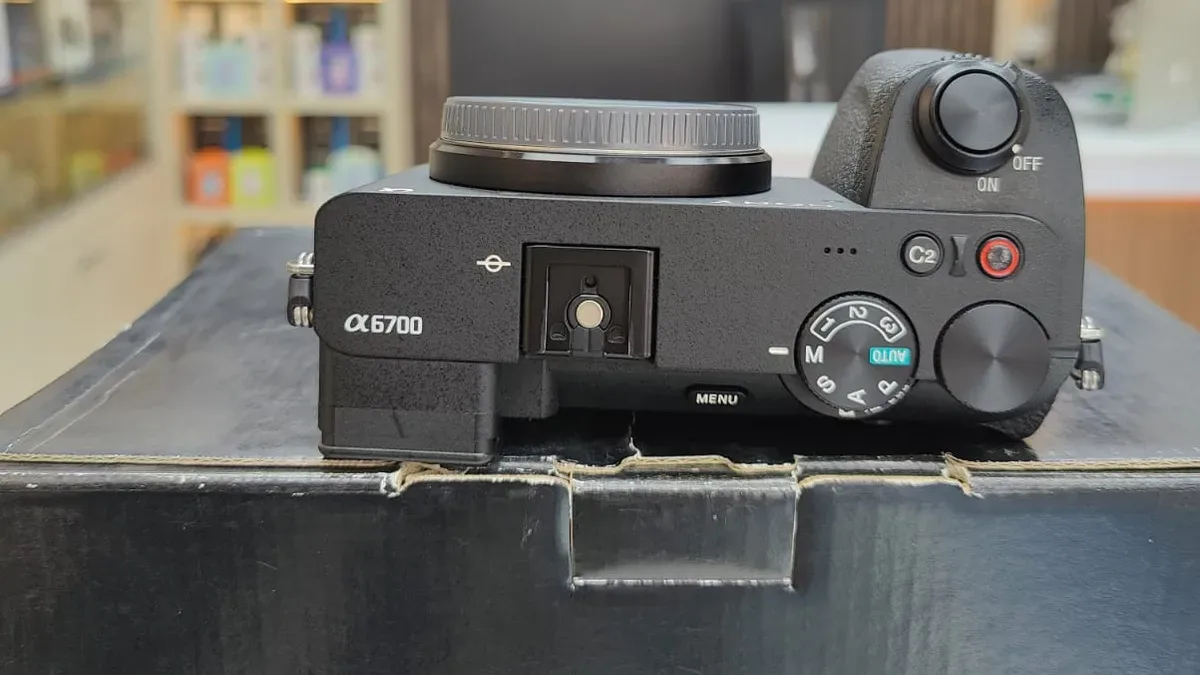
The letters on the dial are a shortcut to a simple question: which of the three exposure controls do you want to decide, and which do you want the camera to decide? The table below answers that for each mode.
The five modes on one dial
| Mode | Label | Camera sets | You set | Best when |
|---|---|---|---|---|
| Full Auto | AUTO | Almost everything | Very little | You want a record shot with no decisions |
| Program | P | Aperture and shutter speed | ISO, exposure compensation, white balance | You want the basics handled but the rest in your hands |
| Aperture priority | A or Av | Shutter speed | Aperture, ISO | Depth of field is the main creative choice |
| Shutter priority | S or Tv | Aperture | Shutter speed, ISO | Motion is the main creative choice |
| Manual | M | Nothing | Aperture, shutter speed, ISO | The light is steady, or you need exact control |
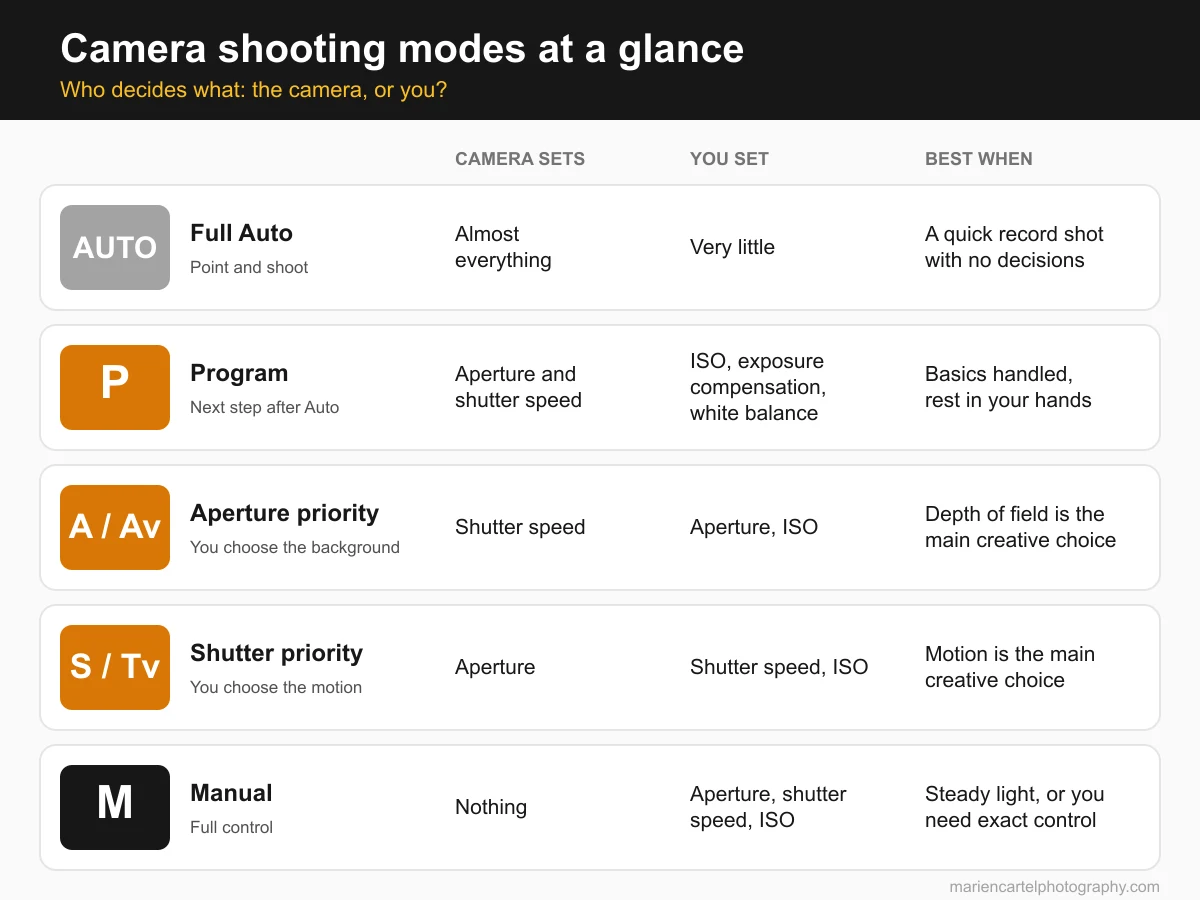
Full Auto is the point-and-shoot setting: the camera chooses every exposure value. Program is usually the next step after Full Auto. The camera still picks aperture and shutter speed, but you keep control of ISO, white balance and exposure compensation, according to Digital Photography School's guide to shooting modes. If you are still deciding how the three exposure controls relate to each other, the exposure triangle explainer covers the trade-offs that every mode is managing.
Aperture priority: choose the background first
In aperture priority, you pick the aperture and the camera picks the shutter speed to match the light it measures, as Adobe's overview of aperture priority describes. The aperture you choose controls how much of the scene is in focus. A wide opening such as f/2.8 gives a softer background. A narrow opening such as f/11 keeps more of the scene sharp.
Depth of field also depends on focal length and distance to the subject, so the aperture is only one part of the result. The telephoto lens guide explains why longer lenses separate subject and background more strongly at the same aperture.
The main side effect is shutter speed. When you stop the lens down in dim light, the camera slows the shutter to let in enough light. A shutter that drops too low can blur a handheld shot or a moving subject. Digital Photography School's summary of these modes makes the same point: watch the shutter speed when the scene is moving. If the number on screen looks too slow for the subject, you have three options: open the aperture, raise ISO, or move to a brighter spot.
Shutter priority: choose the motion
Shutter priority reverses the arrangement. You set the shutter speed, and the camera adjusts the aperture to suit the light. This is the mode for controlling motion. A fast shutter freezes a runner or a bird in flight. A slower shutter with a panning movement can blur the background while the subject stays sharp.
Digital Photography School notes that shutter priority is useful for sports and fast-moving subjects, but the depth of field can be unpredictable because the aperture moves with the light. Adorama's guide to camera shooting modes gives the same two main uses: freezing action and creating blur on purpose.
Watch for warnings. If the light falls too far for the shutter speed you chose, the camera can run out of aperture range and show a warning or an exposure that is clearly too dark. The fix is to raise ISO or choose a slower shutter speed, not to keep pressing the shutter.
Manual: when you need every setting fixed
Manual mode gives you control of aperture, shutter speed and ISO. Adorama lists the situations where that control is worth the extra effort: posed portraits without movement, night photography, work on a tripod, HDR bracketing, studio lighting and flash. In each case the light is either steady or controlled by you, so the camera's automatic readings would only need correcting.
The cost is attention. Digital Photography School points out that manual mode requires constant adjustment as the light changes, which can pull your focus away from the composition. That makes manual a poor default for a street walk or a changing outdoor scene, even though it is not wrong to use it there.
Manual is also not a measure of skill. The aperture priority and shutter priority modes are both used by experienced photographers because they remove a calculation the camera can do faster and more consistently than a person. The useful question is not which mode is the hardest, but which one matches the picture you want.
A simple way to choose a mode
Work through these steps for each shot, and the mode choice usually becomes obvious:
- Name the main result. Decide whether the picture most needs a blurred background, frozen or blurred motion, or simply a correct exposure with nothing special.
- Pick the mode that controls that result directly. Aperture priority for the background, shutter priority for motion, program when you only want to learn the basics, and manual when the light is steady and you want everything fixed.
- Set ISO according to the light. Adorama recommends choosing ISO first based on the lighting conditions. Then the mode can use the remaining controls without fighting a sensitivity setting that is too low for the room.
- Check the values on screen. Look for a shutter speed that is too slow for the subject, an aperture the camera cannot reach, or a warning symbol. Each one tells you which control to adjust next.
- Take a test frame and review it. A histogram or a zoomed-in look at the subject shows whether the exposure and focus match the plan.
Done in this order, the steps take a few seconds per shot. With practice, most of them happen without thinking.
Mistakes to avoid when you leave Auto
- Locking ISO at a low value indoors. The camera then has no option except a slow shutter speed, which shows up as blur in the subject.
- Using a very narrow aperture in a dim room in aperture priority. The depth of field looks deep, but the shutter speed often drops too far for a handheld shot.
- Forgetting the mode after a change of location. A setup that worked outdoors in bright sun may be wrong in a shaded room, so check the values again after each change in light.
- Treating manual as the goal. Manual is one tool. If aperture priority or shutter priority gives you the picture you planned with less effort, that is the better choice.
- Choosing a lens without considering the mode. Wide apertures only matter if your lens opens that wide. The lens basics guide explains what the aperture numbers printed on a lens actually mean.
Frequently asked questions
Should you always shoot in manual mode? No. Manual is the right mode when the light is steady or when you need exact control of every setting. For changing light and moving subjects, aperture priority or shutter priority usually gives more consistent results with less effort. Aperture priority is one of the most popular modes among photographers, according to Digital Photography School.
Is program mode the same as Full Auto? Not quite. Both let the camera choose aperture and shutter speed, but program leaves ISO, exposure compensation and white balance under your control. That is why program is often recommended as the step after Full Auto.
Which mode is best for portraits? Aperture priority is a common starting point, because the aperture controls how much the background blurs. Choose a wide aperture for a softer background and check that the shutter speed stays fast enough if the subject moves.
Which mode works best for sports? Shutter priority is often used for sports because you can set a speed fast enough to freeze the action. Expect the depth of field to change as the light changes, and keep an eye on any warnings the camera shows.
What should you do when the camera shows a warning in shutter priority? The warning usually means the camera cannot reach a correct exposure at the shutter speed you chose. Raise ISO, choose a slower shutter speed, or move the subject into better light. Then check the values again before you take the shot.
Written by
Marien CartelProfessional and Certified Digital Photographer born in the USA, with 22 years of experience in the field of photography.
Related Guides
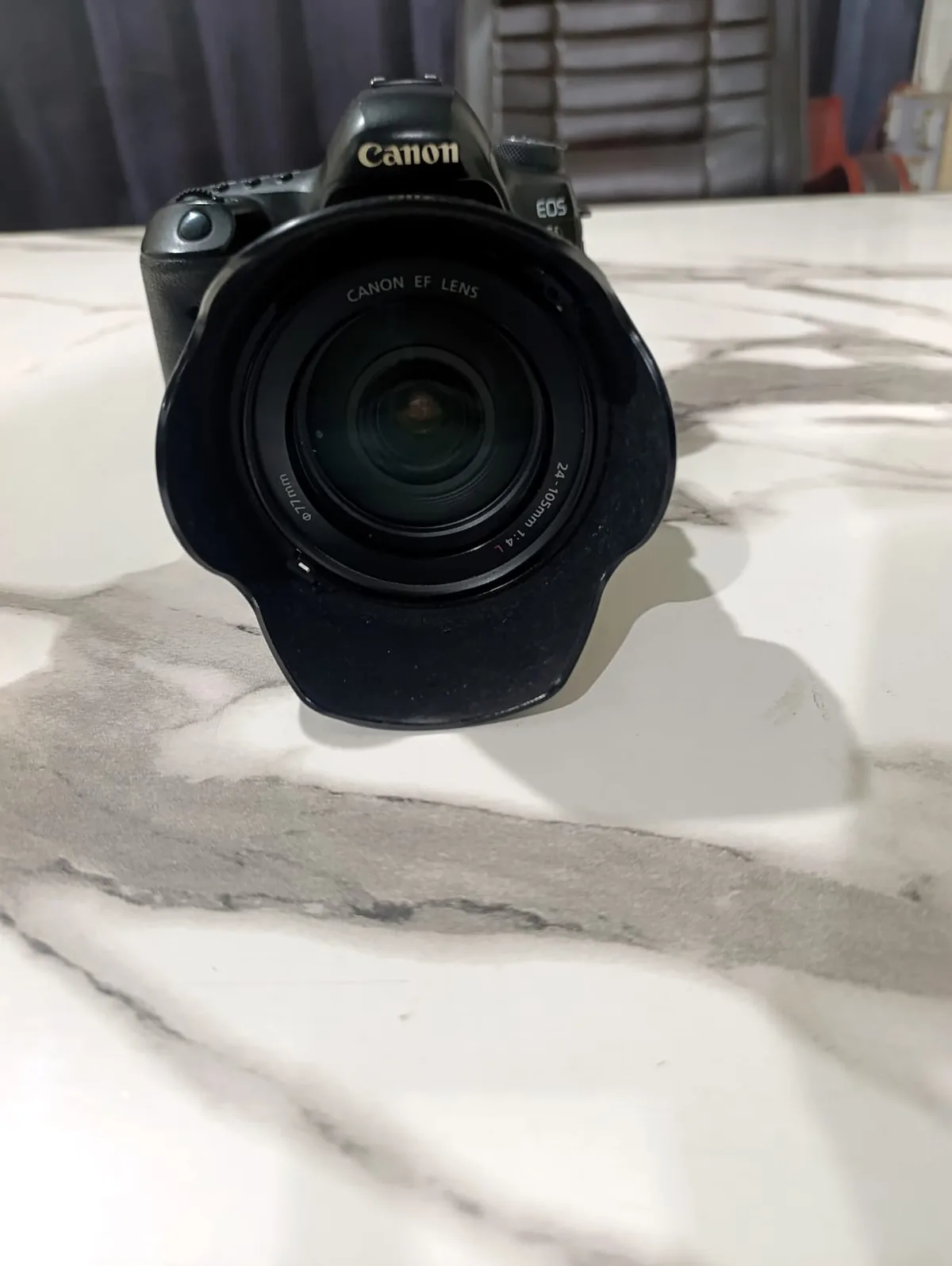
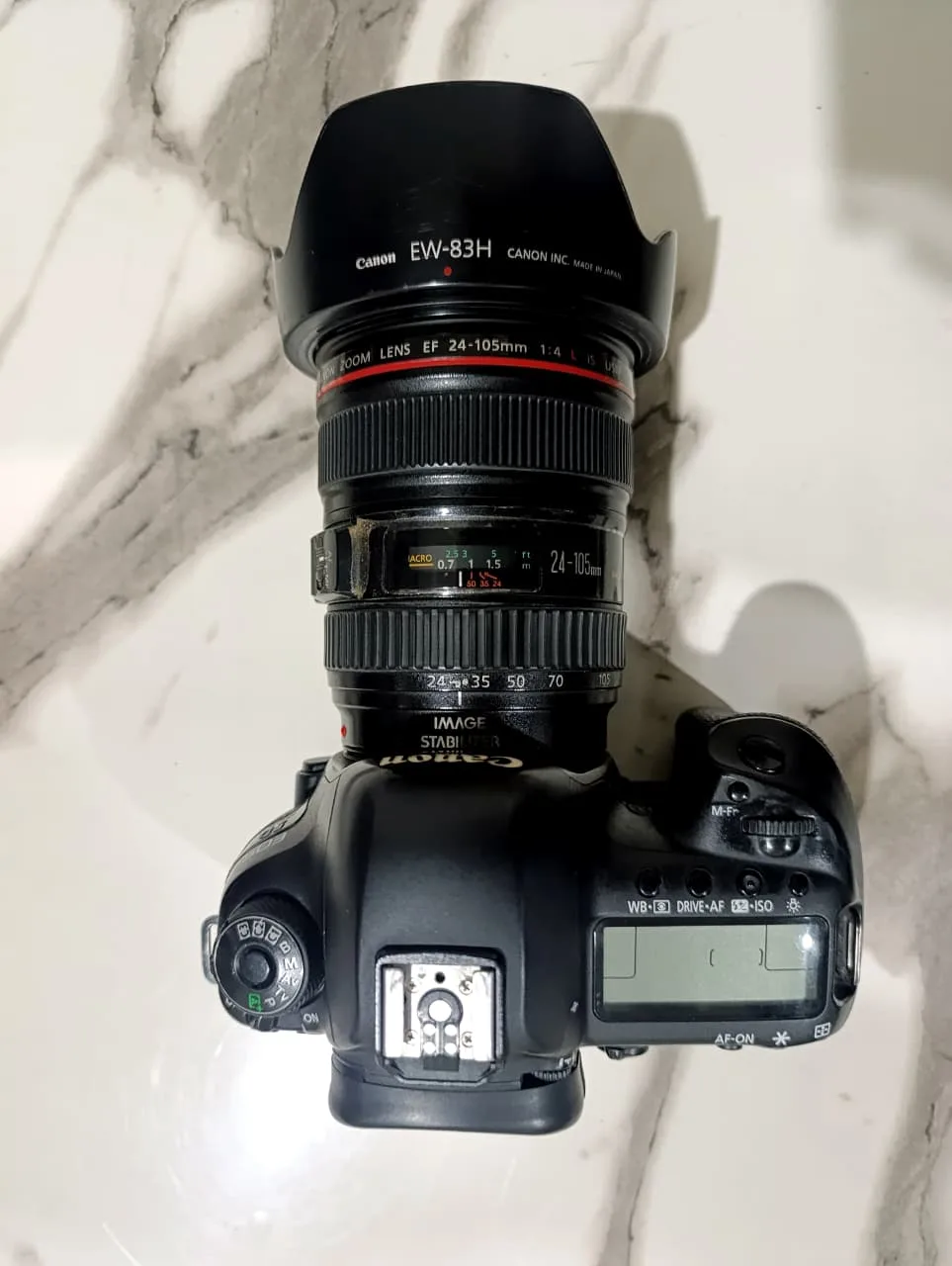
Camera Lenses Explained: What All the Numbers and Letters Mean
EF 24-105mm f/4L IS USM — decoded piece by piece. What focal length and f-numbers actually do, what every brand's letters mean, and what to check before you buy.
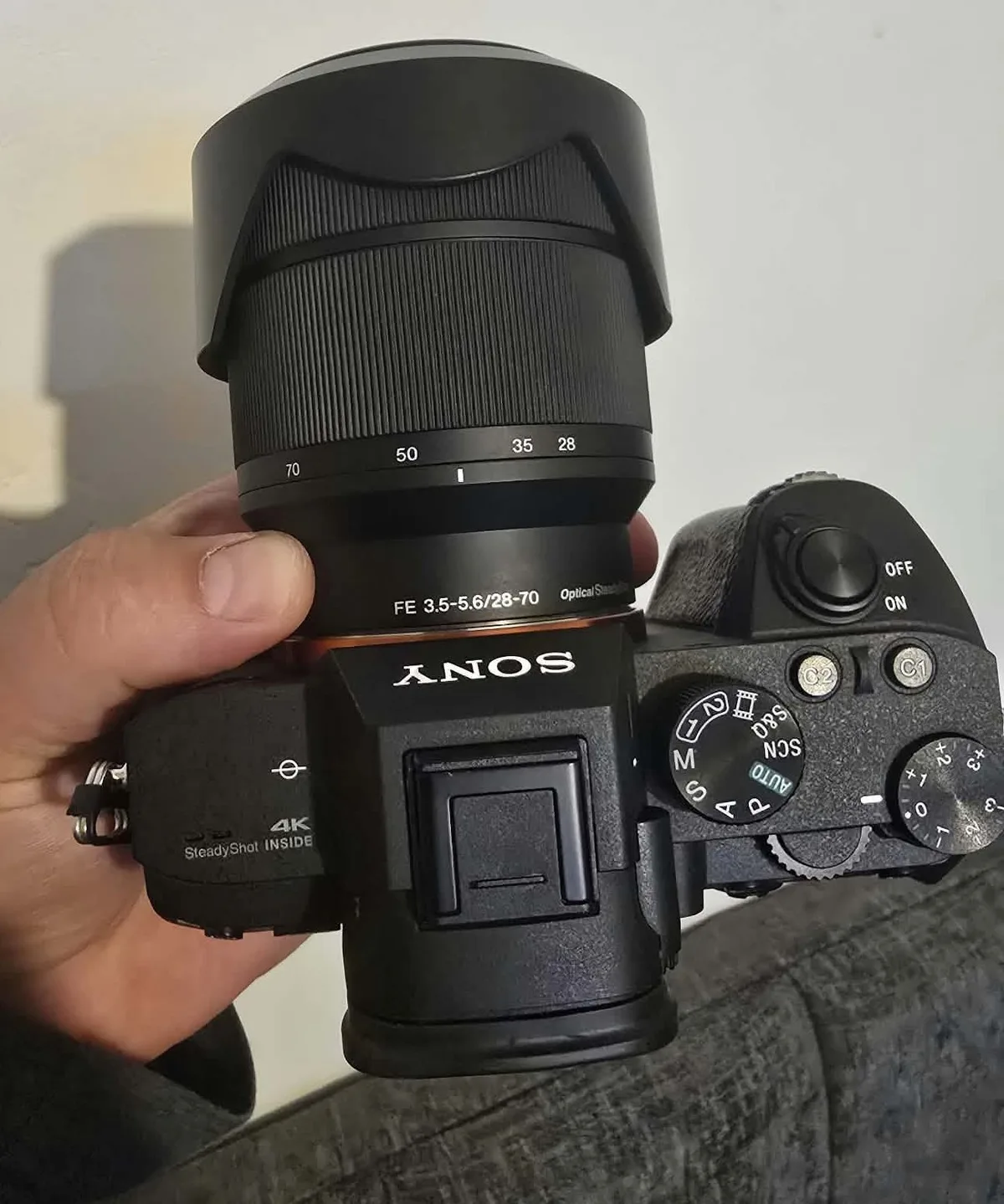
Prime vs Zoom Lenses: Which Should You Actually Buy First?
The guide questions the common advice to simply buy a prime. It describes a buying mistake that cost two lens purchases and then gives the order in which.
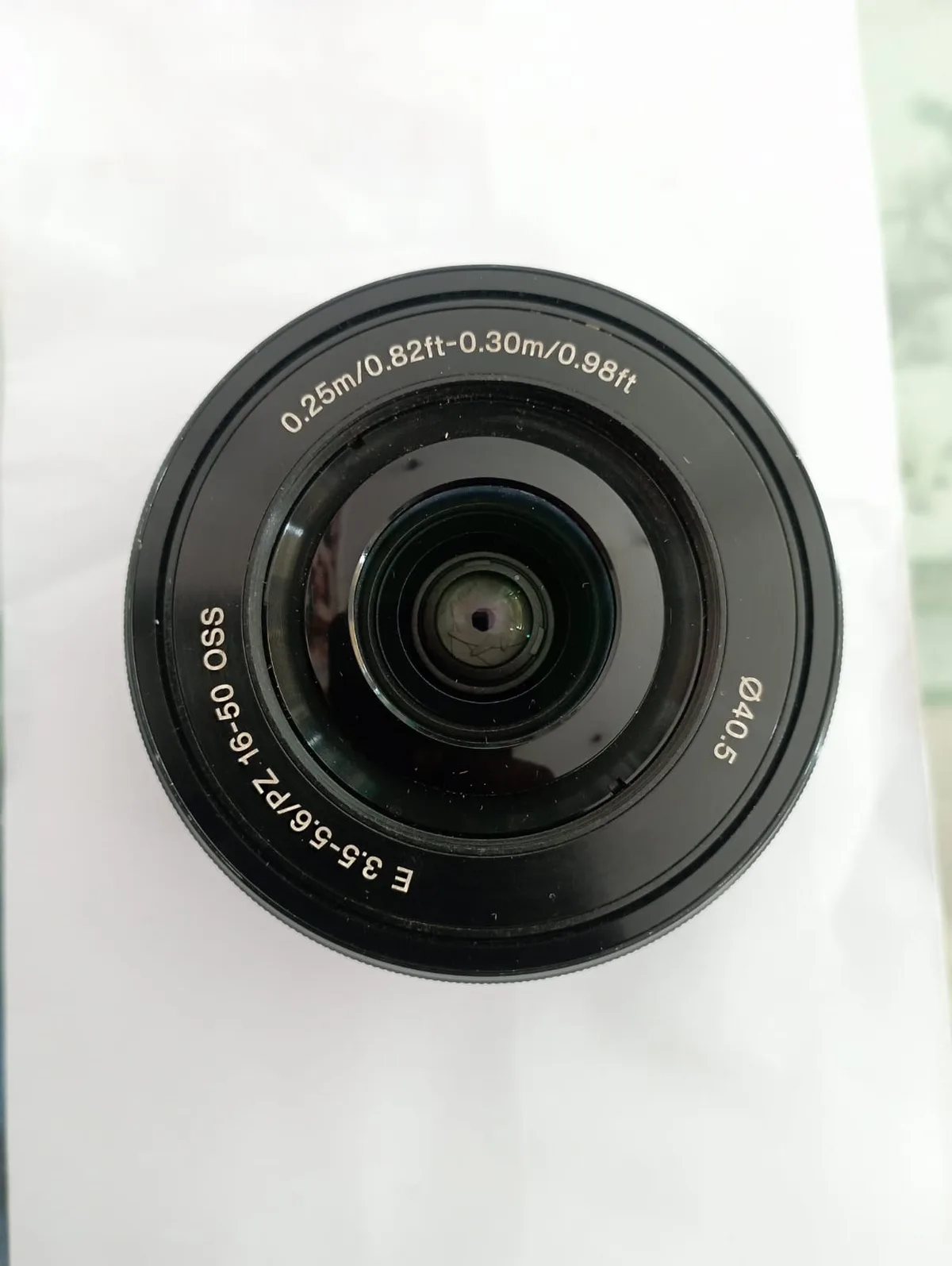
Aperture, Shutter Speed and ISO: The Exposure Triangle, Properly Explained
The triangle is taught as three equal controls. It isn't — each one has a side effect, and the side effect matters more than the brightness. Here's how to choose.
Do You Need a Telephoto Lens? Telephoto Lenses Explained
What counts as telephoto, why it isn't the same thing as a zoom, the three costs nobody mentions, and the lens design that halves the weight.
How to Choose a Lens for Astrophotography and Night Sky Photos
Choosing an astrophotography lens means balancing focal length, a fast aperture and corner sharpness. Here's how to weigh each one for night sky shots.
Why Are My Photos Blurry? How to Diagnose It From the Photo
Four different causes produce four different kinds of blur. Work out which one you have by looking at the picture, then fix that one — not all of them.