Best camera for YouTube beginners

As an Amazon Associate we earn from qualifying purchases. Some links in this guide are affiliate links — see our affiliate disclosure for details.
Short answer: Which camera is best for YouTube beginners?
The best camera for a YouTube beginner is often the smartphone you already own, because audio, lighting and the content matter more than the camera. When you are ready to buy, the Logitech C920s webcam is the budget choice for talking to the camera, the Panasonic Lumix G7 is a low-cost interchangeable-lens option, the Sony a6400 is the mid-range pick with strong autofocus, and the Sony a7 III and Canon EOS R6 are the high-end options.
Affiliate note: This post has affiliate links. If you buy through them, the site may earn a small commission at no extra cost to you.
What should a YouTube camera have?
| Feature | Why it matters | What to check |
|---|---|---|
| Flip-out or tilting screen | You can check your framing while filming yourself | Side-flip, articulating or tilt-only |
| Autofocus | Keeps you sharp as you move | Face and eye tracking |
| Microphone input | Better audio than the built-in mic | A 3.5 mm microphone jack |
| Video resolution | 4K gives room to crop and future-proofs | 4K frame rates, and whether 4K is cropped |
| Stabilization | Smoother handheld clips | In-body or lens stabilization |
| Recording time | Long videos need a camera that does not stop | Recording limits and overheating |
How do the cameras compare?
The figures come from the makers' pages and specification databases. Weight and some video details vary by source, so check the manufacturer's page before you buy.
| Camera | Sensor | Video | Notes |
|---|---|---|---|
| Logitech C920s Pro | Webcam | 1080p at 30 fps, 78-degree field of view | Autofocus, privacy shutter and dual stereo microphones |
| Panasonic Lumix G7 | 16 MP Micro Four Thirds | 4K at 30p and 24p | Fully articulating touchscreen, 3.5 mm mic jack, no in-body stabilization |
| Sony a6400 | 24.2 MP APS-C | 4K HDR (HLG) at 30 fps, 1080p at 120 fps | 180-degree tilting touchscreen, Real-Time Tracking autofocus, no in-body stabilization |
| Sony a7 III | 24.2 MP full-frame | 4K at up to 30p | 5-axis in-body stabilization, about 650 g body only |
| Canon EOS R6 | 20.1 MP full-frame | 4K up to 60p | Stabilization rated up to 8 stops, dual SD slots, about 598 g body only |
Sources: Logitech's C920s page, Imaging Resource on the Panasonic G7, Imaging Resource on the Sony a6400, Imaging Resource on the Sony a7 III and Canon Europe on the EOS R6.
Budget-friendly picks
The Logitech C920s Pro Webcam is the simplest way to record yourself for talking videos or streams. It plugs into a computer, and the privacy shutter covers the lens when you do not want to be on camera.
The Panasonic Lumix G7 is a low-cost route into interchangeable lenses. It has a fully articulating touchscreen, a microphone jack and 4K video at 30p, but no in-body stabilization.
Mid-range picks
The Sony Alpha a6400 pairs a 24.2 MP APS-C sensor with Real-Time Eye AF and Real-Time Tracking, and a 180-degree tilting screen for filming yourself. It records 4K HDR video at 30 fps.
The Canon EOS M50 Mark II is another easy-to-use option with a flip-out screen, though its 4K video uses a crop.
High-end picks
The Sony Alpha a7 III has a full-frame sensor and 5-axis in-body stabilization, a strong choice for low light.
The Canon EOS R6 offers 4K up to 60p, stabilization rated up to 8 stops and dual card slots.
Which camera suits which beginner?
| If you want | Best fit | Why |
|---|---|---|
| The simplest, cheapest start | Smartphone or Logitech C920s | Nothing new to learn |
| A real camera on a budget | Panasonic Lumix G7 | Low price, mic jack and articulating screen |
| Strong autofocus for vlogging | Sony a6400 | Eye and tracking autofocus |
| Low-light quality | Sony a7 III | Full-frame sensor |
| 4K 60p and stabilization | Canon EOS R6 | Video-focused full-frame body |
What else do you need besides the camera?
- Microphone: Audio is often the first thing viewers notice. An external microphone can improve it more than a new camera.
- Tripod: Keeps framing steady and frees your hands.
- Lighting: Window light or a simple lighting kit helps video look cleaner.
For more video guides, see the best budget vlogging cameras, the best camera for making YouTube videos, the best camera for daily vlogging, the best camera for long video recording and the best camera for social media marketing.
Mistakes to avoid when choosing a YouTube camera
- Buying before you start. Make a few videos on a phone first, so you know what you actually need.
- Ignoring audio. A good microphone often matters more than the camera.
- Skipping lighting. Good light helps even an inexpensive camera look better.
- Choosing 4K without checking the crop. Some cameras crop heavily in 4K.
- Forgetting recording limits. Long videos need a camera that does not overheat or stop.
Frequently asked questions
Do I need a camera to start on YouTube? No. A recent smartphone is enough to begin, and many creators start there.
Which camera has the best autofocus for vlogging? The Sony a6400 offers Real-Time Eye AF and Real-Time Tracking, which helps keep you sharp.
Do I need a microphone? An external microphone is one of the best upgrades you can make. The Panasonic G7 and Sony a6400 both have a microphone input.
Is a webcam enough? For talking videos and streams, yes. The Logitech C920s records 1080p at 30 fps.
Should I buy a full-frame camera? Only if you need low-light quality and have the budget. Full-frame bodies cost more, and the lenses cost more too.
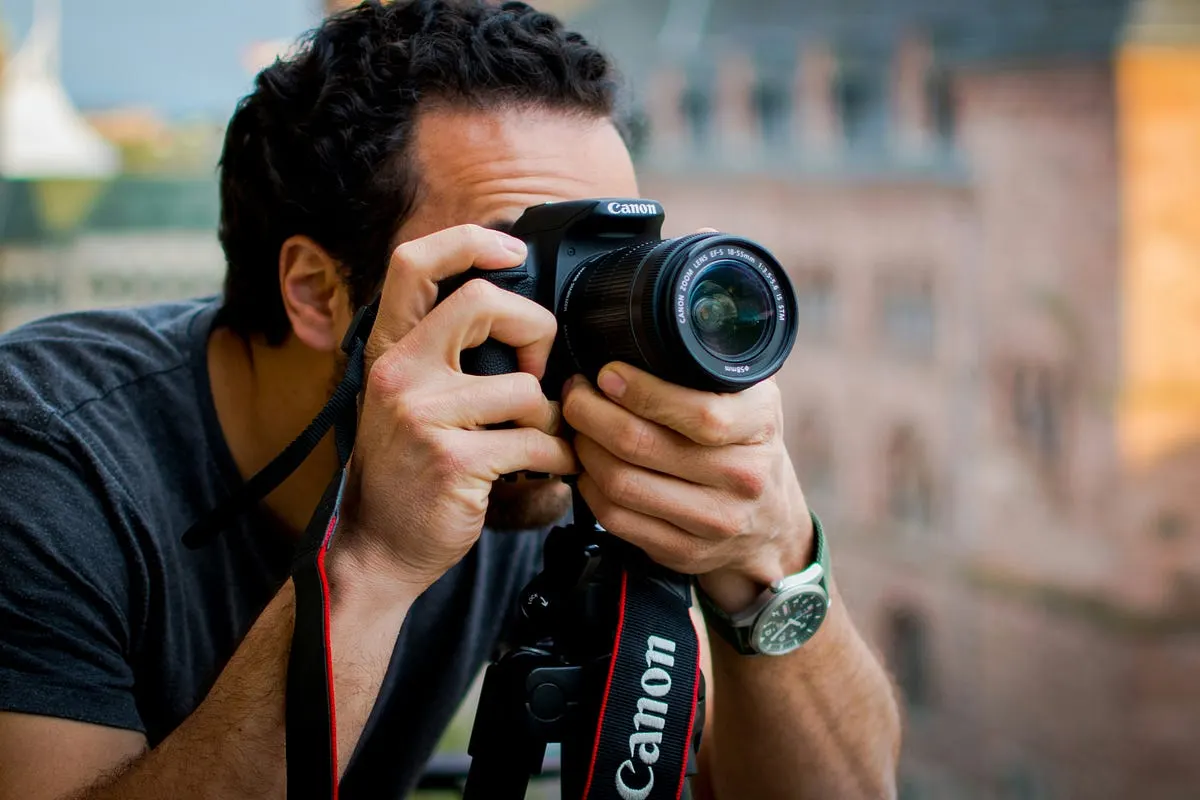
Cover photo by Javier Miranda on Unsplash.
Written by
Marien CartelProfessional and Certified Digital Photographer born in the USA, with 22 years of experience in the field of photography.
Related Guides

Best Camera for Making Youtube Videos
Best Camera for Making Youtube Videos: Sony ZV-E10 II, Panasonic Lumix GH6 and Sony A7S III compared on features, price and who each one suits.
Best Camera for Video and Photography for Beginners
Best Camera for Video and Photography for Beginners — how Nikon D3400 and Canon EOS R10 compare on features and price, and who each is best for.

Best Fujifilm Camera for Beginners
Best fujifilm Camera for Beginners — what the Fujifilm X-T30 offers, where it falls short, and whether it is worth buying.
Best Canon Camera For Beginners
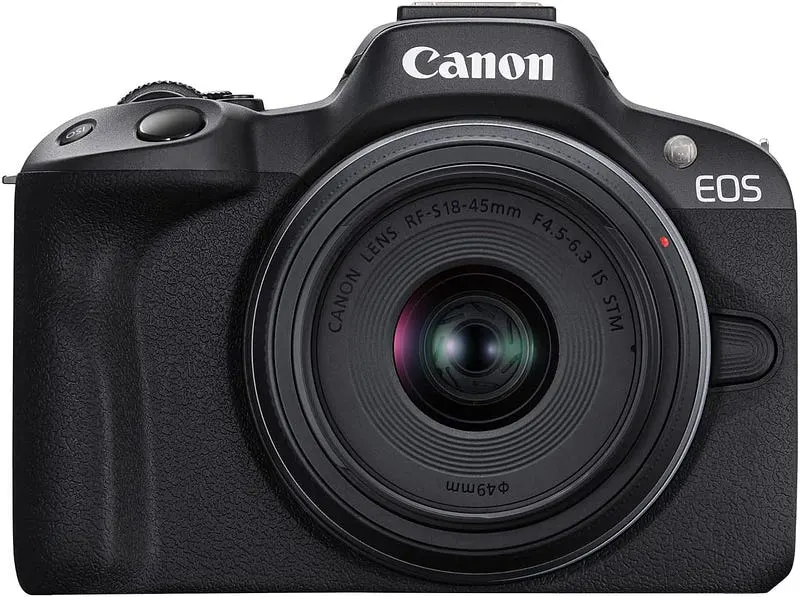
Best Canon Camera For Beginners: Canon EOS R50 and Canon EOS R100 compared on features, price and who each one suits.
Best Cheap Camera for Photography Beginners
Best Cheap Camera for Photography Beginners — Canon EOS R100, Canon EOS Rebel T7 and Nikon D3500 compared, with pros, cons and who should buy which.
Best DSLR Cameras for Beginners: (Guide & Reviews)
Best DSLR Cameras for Beginners — Canon EOS Rebel T7, Nikon D3500 and Canon EOS Rebel T8i compared, with pros, cons and who should buy which.