Best Camera for Tattoo Artists
As an Amazon Associate we earn from qualifying purchases. Some links in this guide are affiliate links — see our affiliate disclosure for details.
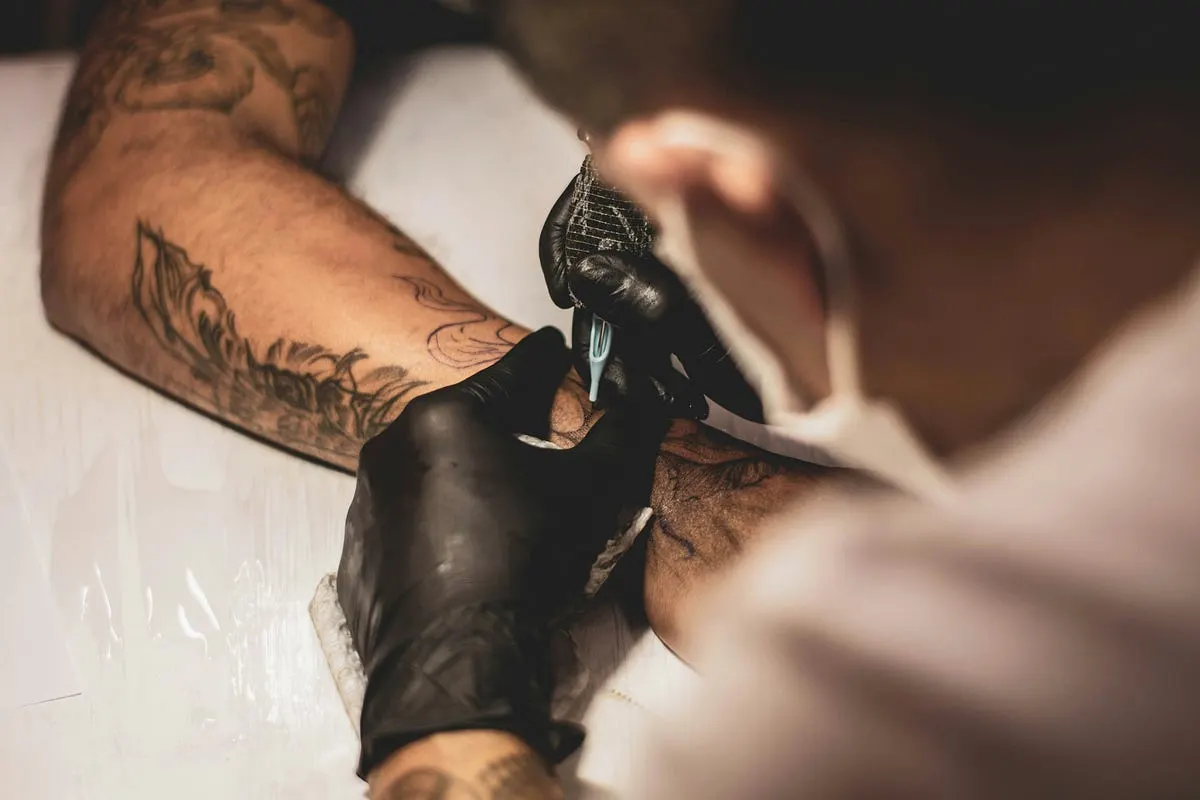
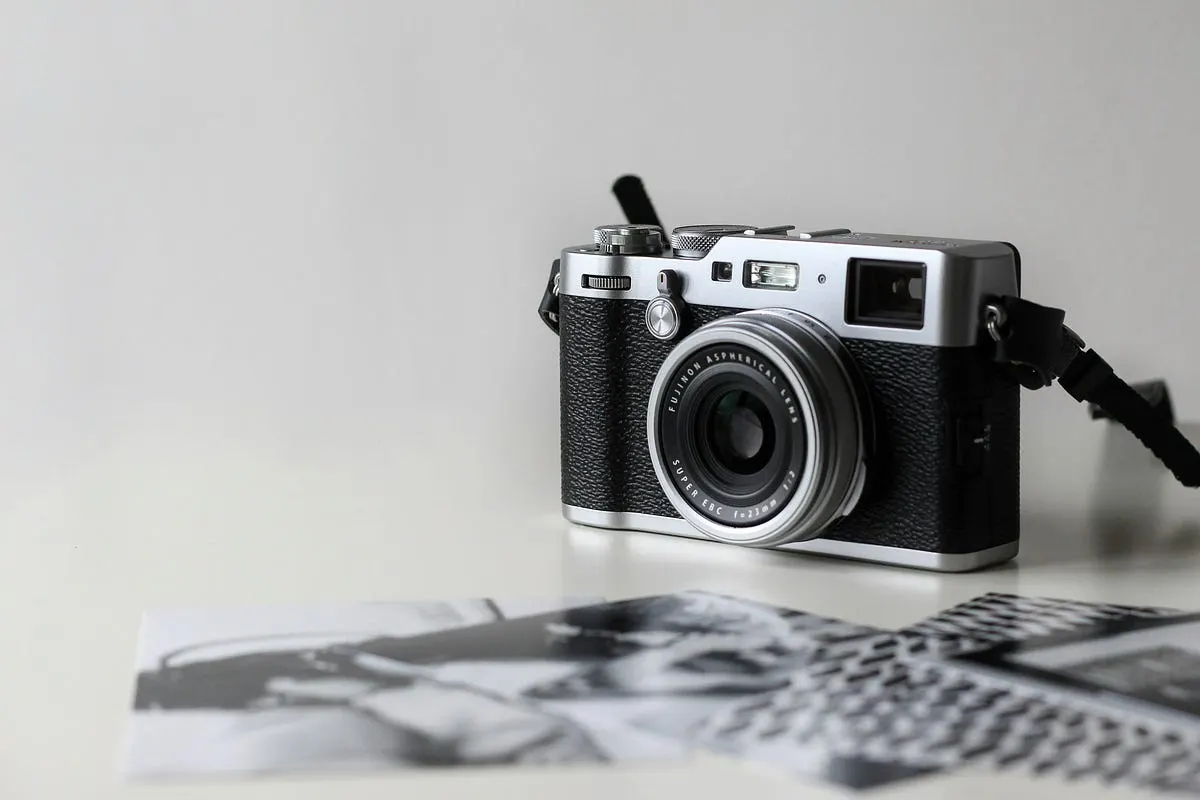
Photo by Lucas Lenzi on Unsplash
Short answer: which camera suits tattoo photography?
- Best entry point: the Canon EOS Rebel T7. Its 24.1-megapixel APS-C sensor records enough detail for portfolio and social media use, and it is the cheapest camera in this guide.
- Best for low light and a full-frame sensor: the Sony a7 III. It pairs a 24.2-megapixel back-illuminated full-frame sensor with in-body stabilization.
- Best for colour work: the Fujifilm X-T4. It has a 26.1-megapixel APS-C sensor and 5-axis in-body stabilization.
Lighting and lens choice affect tattoo photos as much as the body does, so the sections below cover both.
Affiliate note: This post has affiliate links. If you buy through them, I might earn a small commission (at no extra cost).
Why Your Camera Choice Matters More Than You Think
As tattoo artists, we pour our hearts into every piece. But if we can’t capture it properly, we’re doing ourselves a disservice. Your portfolio is your resume. Your social media is your storefront. And in today’s digital age, potential clients judge your work primarily through photos.
Key takeaways
Macro capabilities — Tattoos are all about the details. Fine linework, micro-realism, intricate shading — you need a camera that can capture it all up close.
Good low-light performance — Let’s be honest, most tattoo studios aren’t flooded with natural light. We work in controlled environments, often with artificial lighting.
High resolution — Crisp, clear images that can be zoomed in without losing quality.
User-friendly interface — We’re artists, not necessarily tech wizards. The camera should work for us, not against us.
Top Picks After Years of Trial (and Error)
Best Beginner Camera: Canon EOS Rebel T7
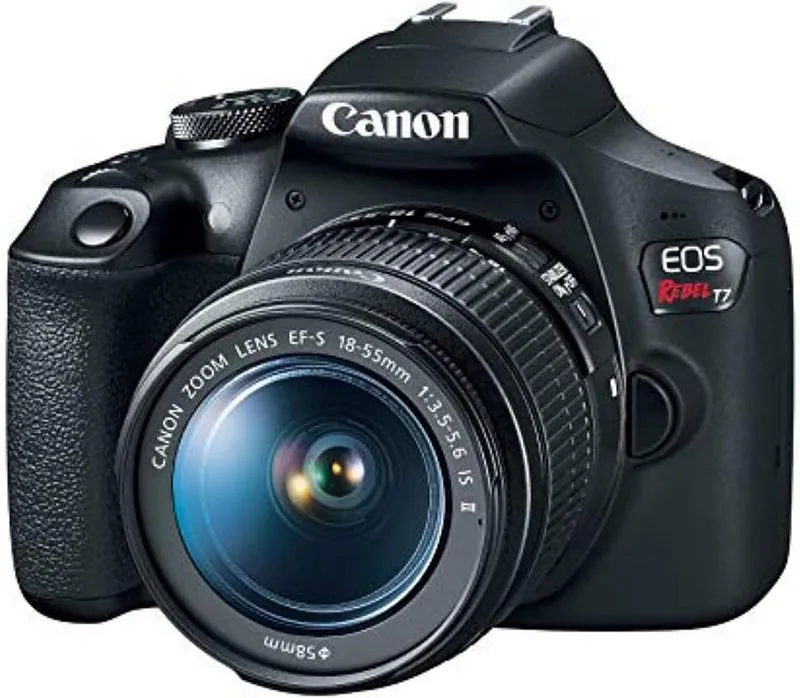
The Canon EOS Rebel T7 consistently stands out. It combines solid image quality with ease of use and reliable performance, and its 24.1MP sensor captures fine details.
Best Pro Low-Light: Sony Alpha a7 III
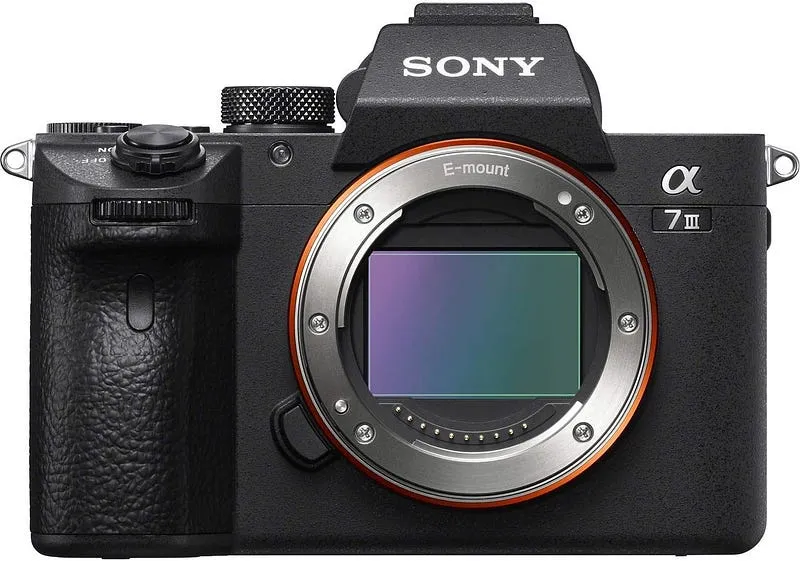
Once a business grows and photography becomes more serious, the Sony a7 III is a natural upgrade. This full-frame mirrorless camera has exceptional low-light performance, which helps in a studio with harsh lighting and keeps noise down.
Best for Color: Fujifilm X-T4
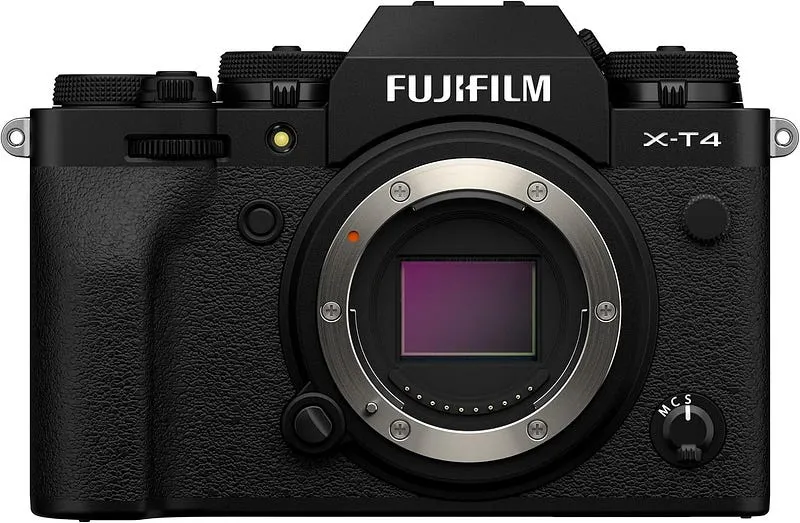
If color accuracy is your priority (and it should be), the Fujifilm X-T4 is incredible. Fujifilm is known for its superior color science, and this camera delivers vibrant, true-to-life colors that make your ink pop. The in-body image stabilization is also a huge bonus for handheld shots.
Best All-Rounder: Nikon Z6 II
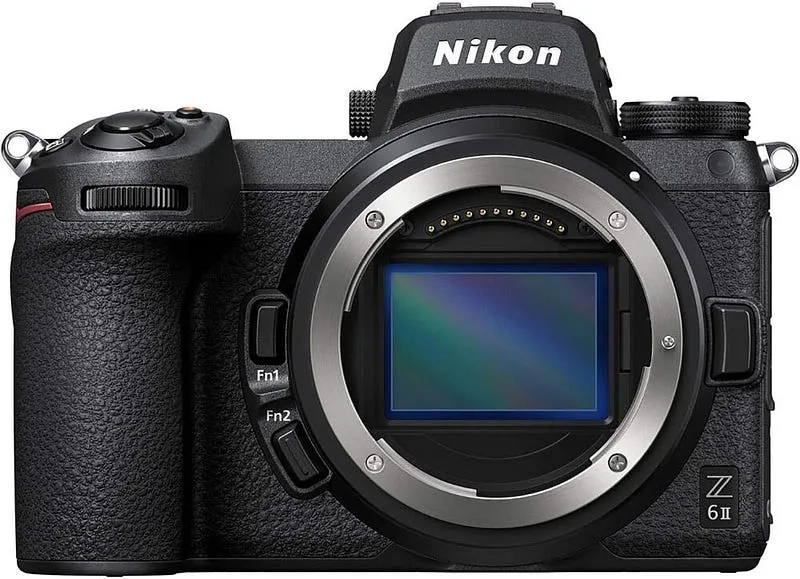
For those who want one camera that does everything well, the Nikon Z6 II is a solid choice. It’s professional-grade without being overly complicated, and it handles both close-up detail shots and wider portfolio pieces beautifully.
Specs side by side
The figures below are published specifications. Weight is left out on purpose, because sources list it with and without battery, card or lens, and the numbers cannot be compared fairly.
| Camera | Sensor | Resolution | Stabilization | Video |
|---|---|---|---|---|
| Canon EOS Rebel T7 | APS-C CMOS | 24.1 MP | None in the body | Full HD 1080p, no 4K |
| Sony a7 III | Full-frame back-illuminated CMOS | 24.2 MP | 5-axis in-body | 4K |
| Fujifilm X-T4 | APS-C back-illuminated X-Trans CMOS 4 | 26.1 MP | 5-axis in-body, rated at up to 6.5 stops | 4K up to 60 fps |
| Nikon Z6 II | Full frame | 24.5 MP | 5-axis in-body | 4K |
Sources for these figures: the Imaging Resource specifications for the Rebel T7, the Imaging Resource specifications for the Sony a7 III, the Wikipedia entry for the Fujifilm X-T4 and Nikon's Z 6II page. Confirm current figures on each manufacturer's site before you buy.
Who should buy which camera
| Situation | Best pick | Why |
|---|---|---|
| First camera and a tight budget | Canon EOS Rebel T7 | Lowest entry price here, and 24.1 MP is plenty for web and social posts |
| Dim studio, no control over the lights | Sony a7 III | Full-frame sensor and in-body stabilization help when light is limited |
| Colour is the priority and you want to edit less | Fujifilm X-T4 | Fujifilm's colour rendering suits colour tattoos, and stabilization helps handheld close-ups |
| One body for close-ups and wide portfolio shots | Nikon Z6 II | Full-frame sensor, in-body stabilization and two card slots |
How to photograph a tattoo well
A good camera still produces a poor photo if the skin is shot badly. These points apply to every body above.
- Shoot a healed tattoo when you can. A fresh tattoo is often shiny and slightly swollen, which adds glare and flattens colour. Healed work shows the real colour and line weight.
- Control reflections. Skin and ink both reflect light. Soft, diffused light from more than one side reduces hard highlights. A circular polarizing filter on the lens cuts glare further.
- Set white balance deliberately. Studio lighting often has a colour cast. A grey card or a custom white balance reading keeps skin tones and ink colours close to what you see by eye.
- Shoot RAW. RAW files let you correct white balance and exposure afterwards without losing quality.
- Keep the camera parallel to the skin. Tilting the lens makes lines appear to bend. Where the body curves, take several shots from slightly different angles.
- Use a tripod or a steady surface for detail shots. Even with in-body stabilization, a fixed camera is sharpest at close distances.
Mistakes to avoid when choosing a camera for tattoo work
- Buying a wide-angle lens. Wide lenses stretch body proportions and distort the design. A 50 mm to 85 mm lens, or a macro lens, gives a more natural shape.
- Spending the whole budget on the body. A modest body with a good lens and soft lighting often beats an expensive body with the kit lens and one harsh lamp.
- Ignoring the lens mount. Each body above uses its own mount, so lenses do not swap between the Canon, Sony, Fujifilm and Nikon systems. Check lens prices before you commit.
- Trusting the rear screen for colour. Screen brightness changes how colour looks. Check photos on a calibrated monitor before you post them.
- Skipping a spare battery and card. A long session can end early on one battery, and a full card stops the shoot.
- Posting unedited phone-style crops. Frame the whole piece first, then crop. Cropping too tight hides the placement of the tattoo on the body.
Frequently asked questions
Do I need a full-frame camera to photograph tattoos? No. APS-C bodies such as the Rebel T7 and X-T4 give sharp results when the lighting is good. Full frame mainly helps when the light is dim or you want a shallower depth of field.
Is a macro lens necessary? It is useful for fine linework and micro-realism, because it focuses very close and stays sharp at that distance. For full sleeves and larger pieces, a standard prime lens in the 50 mm to 85 mm range is usually enough.
Can a phone camera still be enough? For quick progress posts, yes. A dedicated camera helps when you need accurate colour, sharp detail and a consistent portfolio look, mainly because of the larger sensor and the choice of lenses.
What is the best way to reduce glare on skin? Use soft, diffused light from several angles and keep strong lights off to the side rather than straight on. A circular polarizing filter on the lens reduces the remaining reflections.
How many megapixels do I need for portfolio and social media? 24 megapixels is more than enough. Instagram and websites show images far smaller than the camera's full file, so lighting and focus matter more than extra resolution.
The Lens Matters Just as Much
For capturing fine details and micro-realism, a macro lens (90–105mm) is essential. These lenses are optimized for sharpness at close distances, which is exactly what we need for intricate tattoo work.
Avoid wide-angle lenses below 35mm for tattoo work — they distort body proportions and warp the design unnaturally.
Lighting: The Hidden Hero
Also, consider a CPL (Circular Polarizing) filter — it dramatically reduces glare from skin and ink, enhancing color vibrancy.
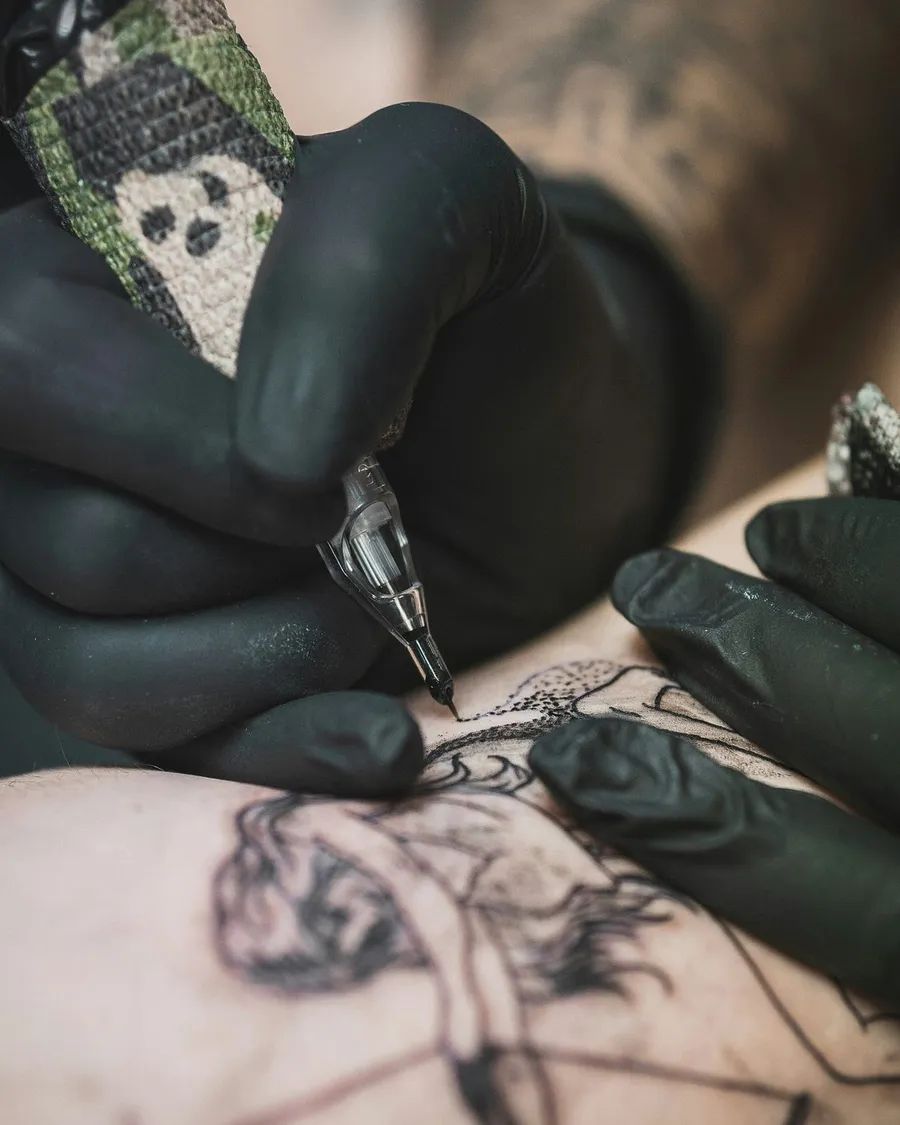
Photo by Collins Lesulie on Unsplash
Final Advice
Your art deserves to be seen the way you created it. Every hour you spend perfecting a tattoo deserves to be captured in a photo that does it justice.
Start with what fits your budget. The Canon EOS Rebel T7 or Canon EOS M50 Mark II are fantastic entry points. As your business grows and your photography skills improve, you can upgrade to something like the Sony a7 III or Nikon Z6 II.
But whatever you choose, remember this: the best camera is the one you’ll actually use. Don’t get overwhelmed by specs and features. Find something that feels right in your hands, learn how to use it, and start capturing your work the way it deserves to be captured.
Your portfolio will thank you. Your future clients will thank you. And honestly? You’ll thank yourself every time you look at a photo and see exactly what you created.
_What camera are you currently using for your tattoo photography?
Written by
Marien CartelProfessional and Certified Digital Photographer born in the USA, with 22 years of experience in the field of photography.
Related Guides
Best Cameras for Architectural Photography
Best Cameras for Architectural Photography — Canon 1D Mark III, Nikon D810 and Canon 5D Mark III DSLR compared, with pros, cons and who should buy which.
Top 10 Best Cameras For Fashion Photography in 2026
Top 10 Best Cameras For Fashion Photography in 2026: Canon 5D Mark IV, Nikon Z6 II and Canon EOS 90D compared on features, price and who each one suits.
Best Camera for New Parents
Best Camera for New Parents — how Canon EOS R50, Canon EOS R8 and Sony A6700 compare on features and price, and who each is best for.
Best Camera for Karting
Best Camera for Karting: GoPro Hero 12 Black, DJI Osmo Action 4 and Insta360 ONE RS compared on features, price and who each one suits.
Best Camera for Table Tennis
The guide's main pick is the Sony ZV-1. It also lists other strong contenders based on need and budget, including the Sony RX100 VII, Sony a6400, Fujifilm.
Best Camera Under $1500
Best Camera Under $1500 — Canon EOS R8, Nikon Z5 and Fujifilm X-S20 compared, with pros, cons and who should buy which.